 Educates
Features
Everything here is something you can see or use in Educates, grouped by the job it serves. Each Feature links to its documentation, and the flagships have a page of their own.
Authoring
For the workshop author, who writes the steps and builds the environment each Session starts from.
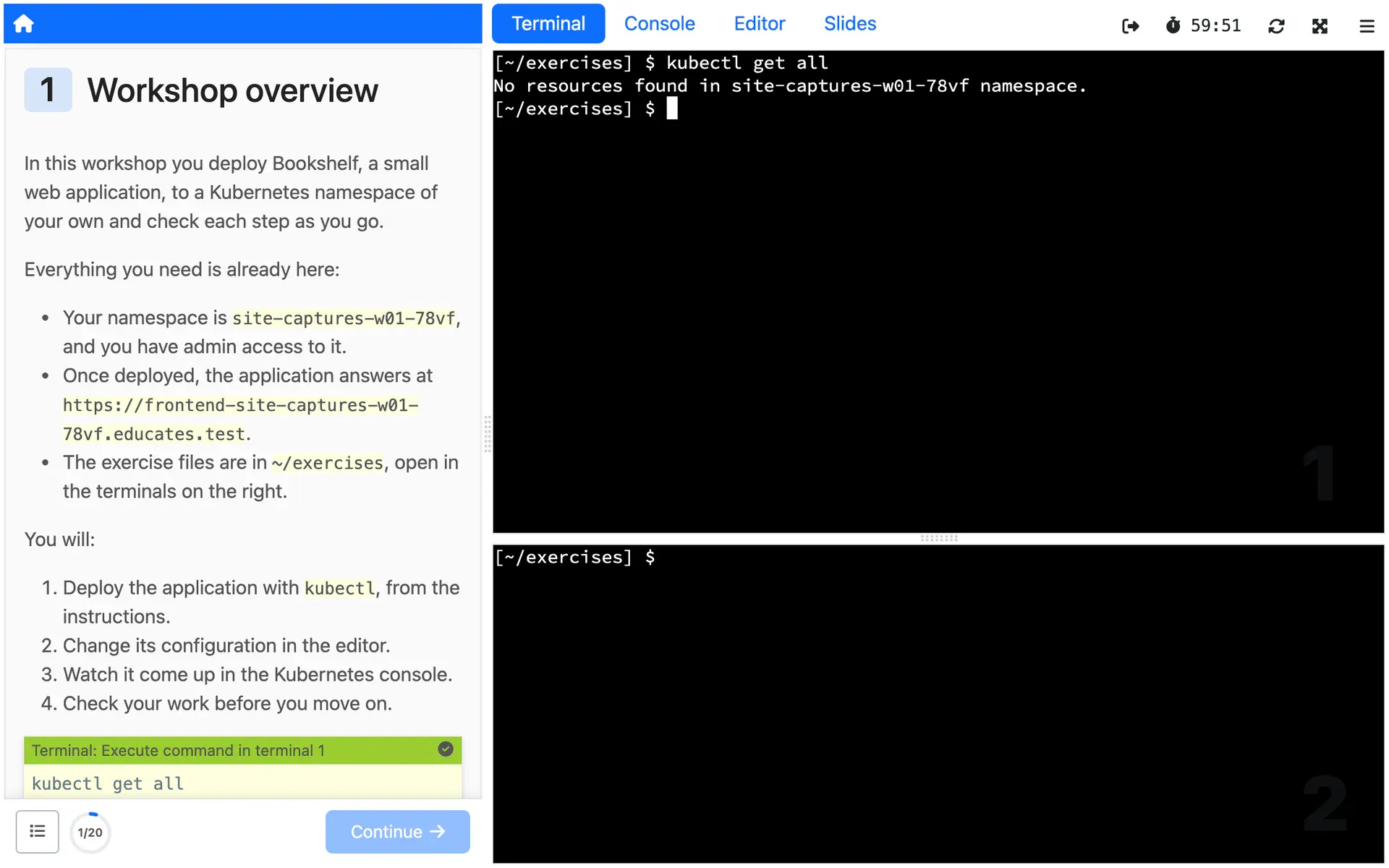
Workshop instructions
Write the steps in Markdown, and each Session shows them beside its live environment, filled in with its own values such as its namespace and hostname.
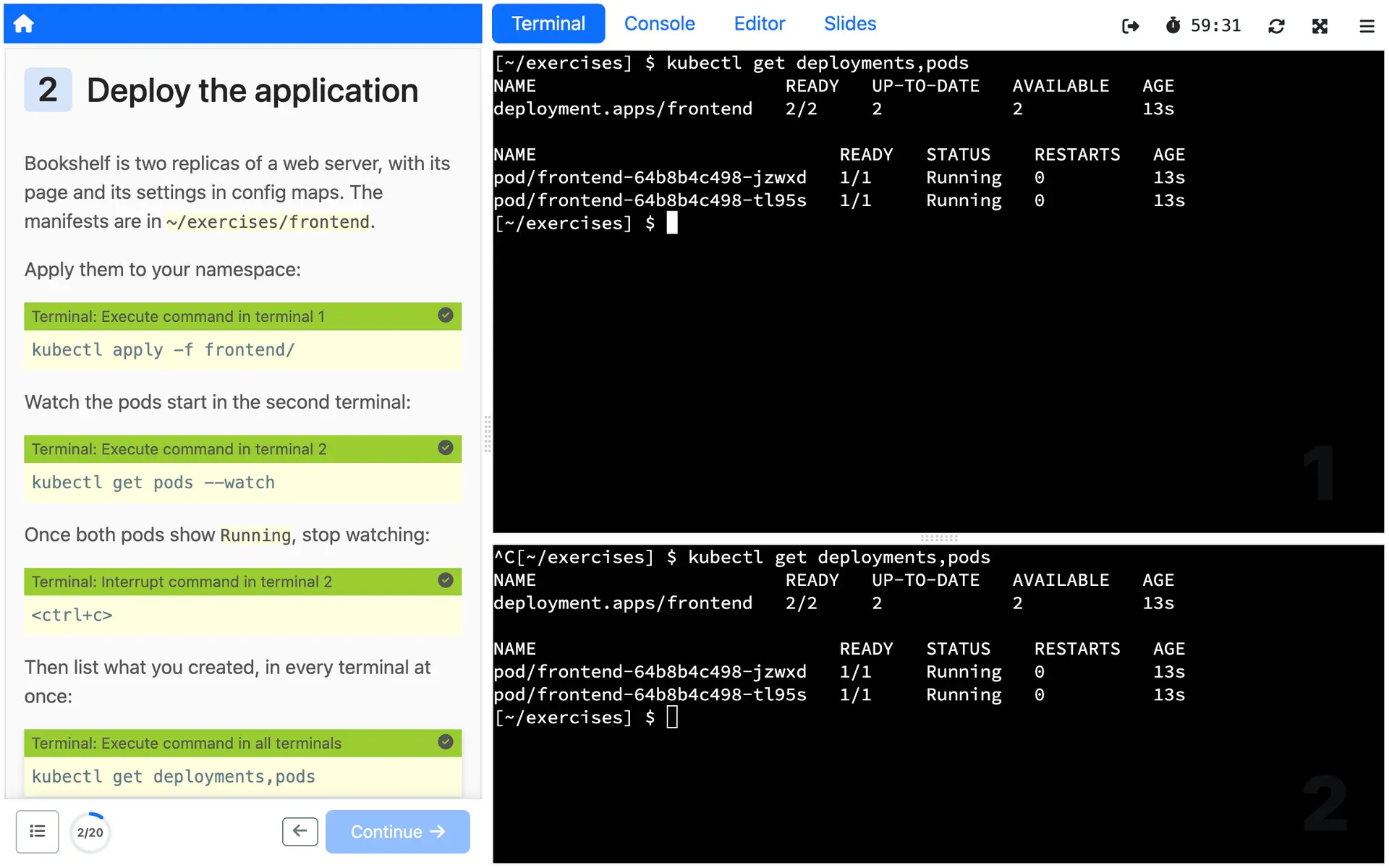
Clickable actions
FlagshipBlocks in the workshop instructions that run a command, open or edit a file, or switch a dashboard tab when clicked.
See it in depth: Clickable actionsDocs for Clickable actions (external site)
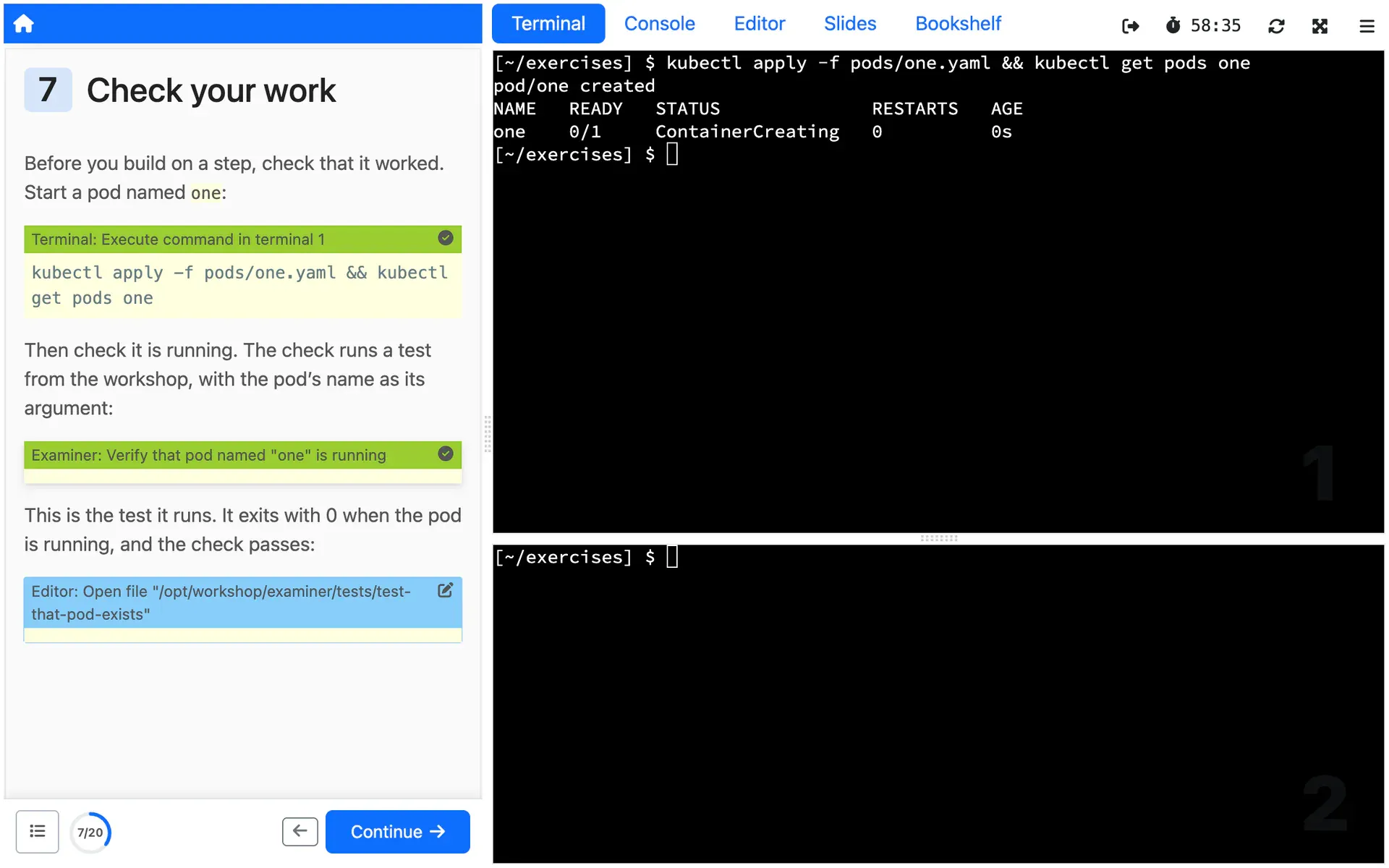
Examiner checks
FlagshipA check script run from the instructions shows pass or fail, so the work at each step is checked with instant feedback.
See it in depth: Examiner checksDocs for Examiner checks (external site)
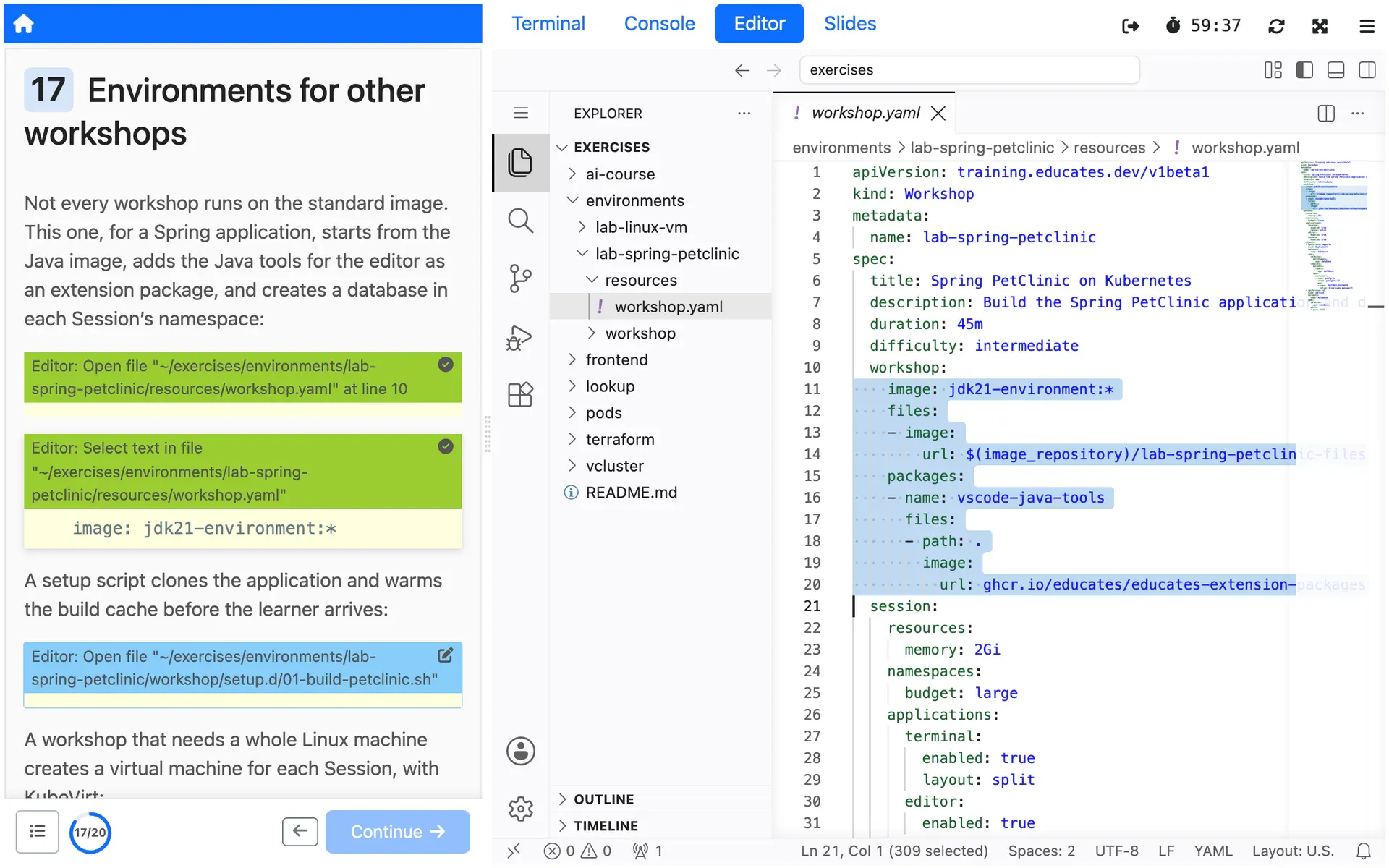
Workshop environments
Start from the standard workshop image, a Java or conda one, or your own, add tools with extension packages and setup scripts, and declare the Kubernetes resources each Session needs.
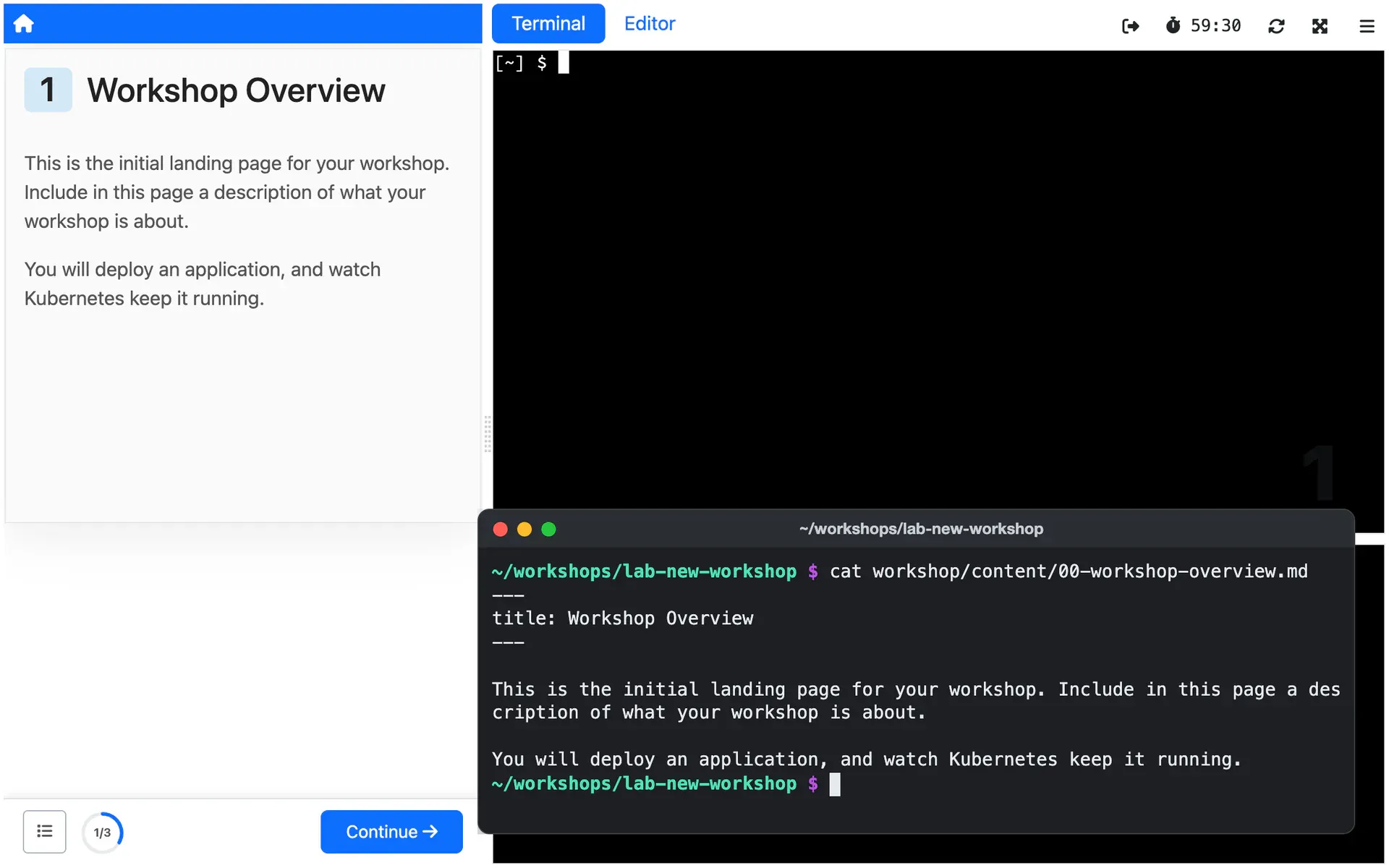
Local authoring
FlagshipCreate a workshop and a local Kind cluster with the educates CLI, then update the content of a running Session as you write.
See it in depth: Local authoringDocs for Local authoring (external site)
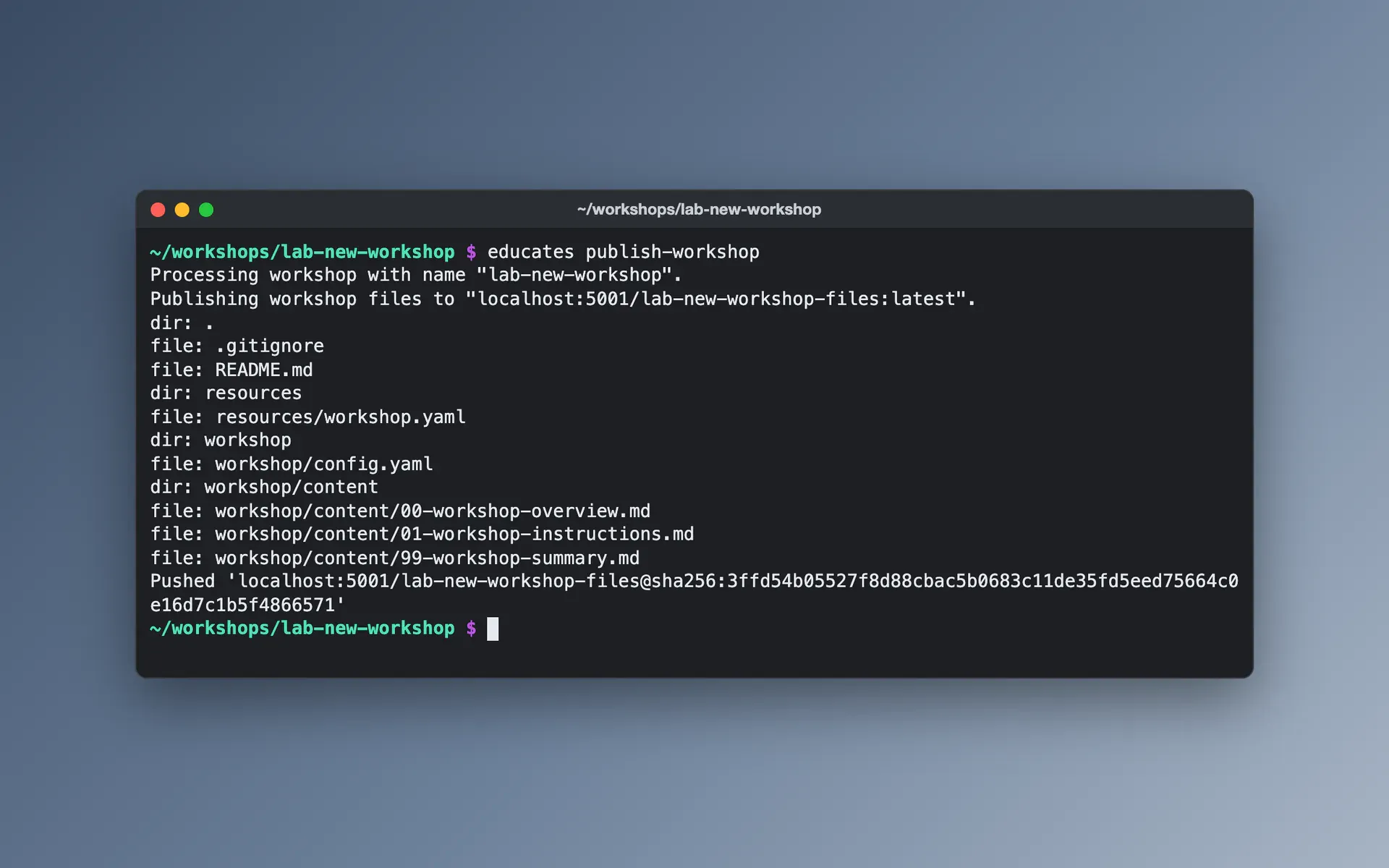
Publishing workshops
Publish a workshop's content as an OCI image with the educates CLI, or with the GitHub action that releases it when you push a version tag, or serve it from Git or a web server.
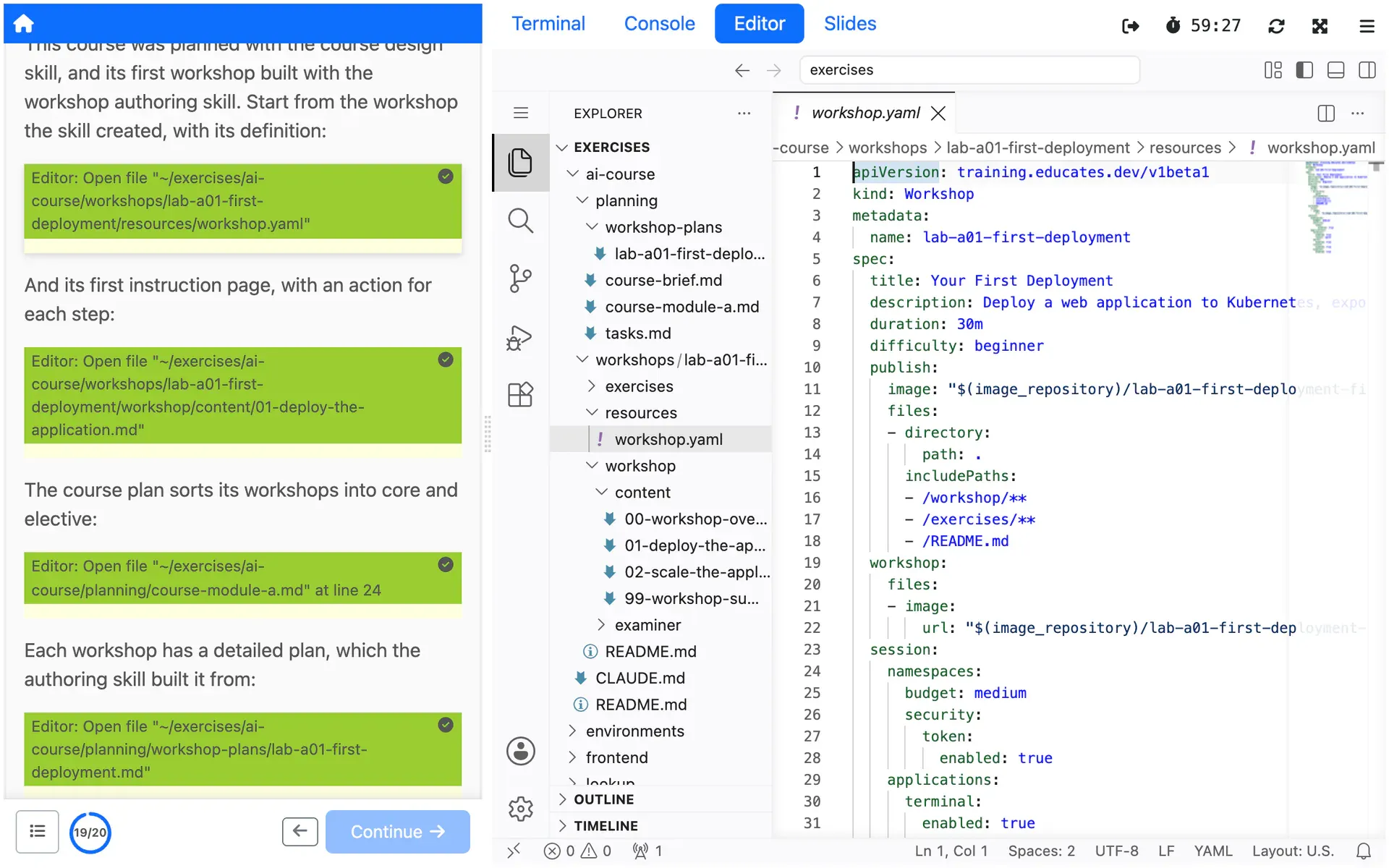
AI authoring skills
FlagshipAgent skills that create a workshop when you ask, with its configuration and instruction pages, and plan courses of several workshops.
See it in depth: AI authoring skillsREADME for AI authoring skills (external site)
Delivering
For Presenters and the people who run training portals, who put workshops in front of the people taking them.
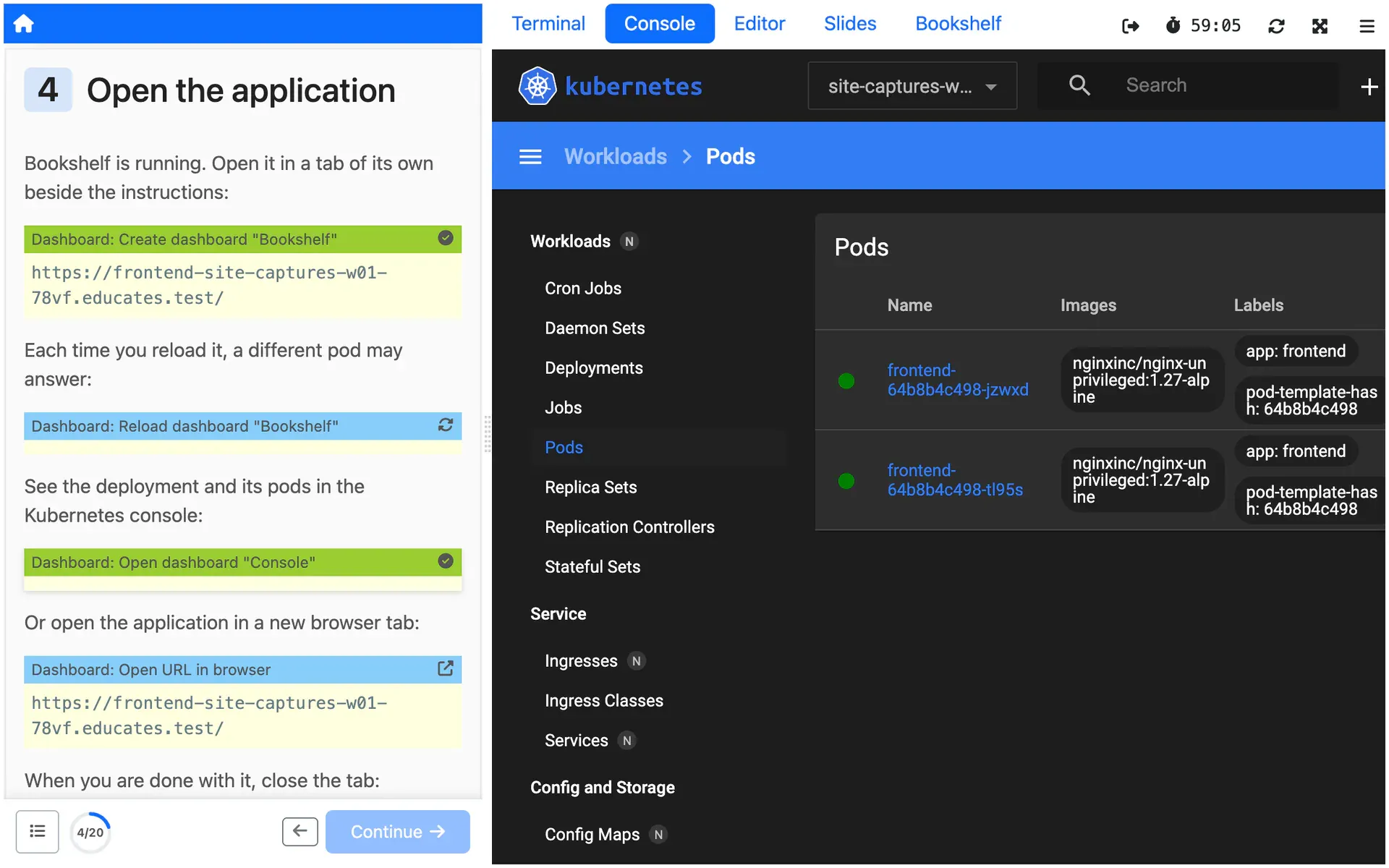
Workshop dashboard
One browser page with the instructions on the left and tabs on the right for terminals, a VS Code based editor, the Kubernetes console, slides and the workshop's own web apps.
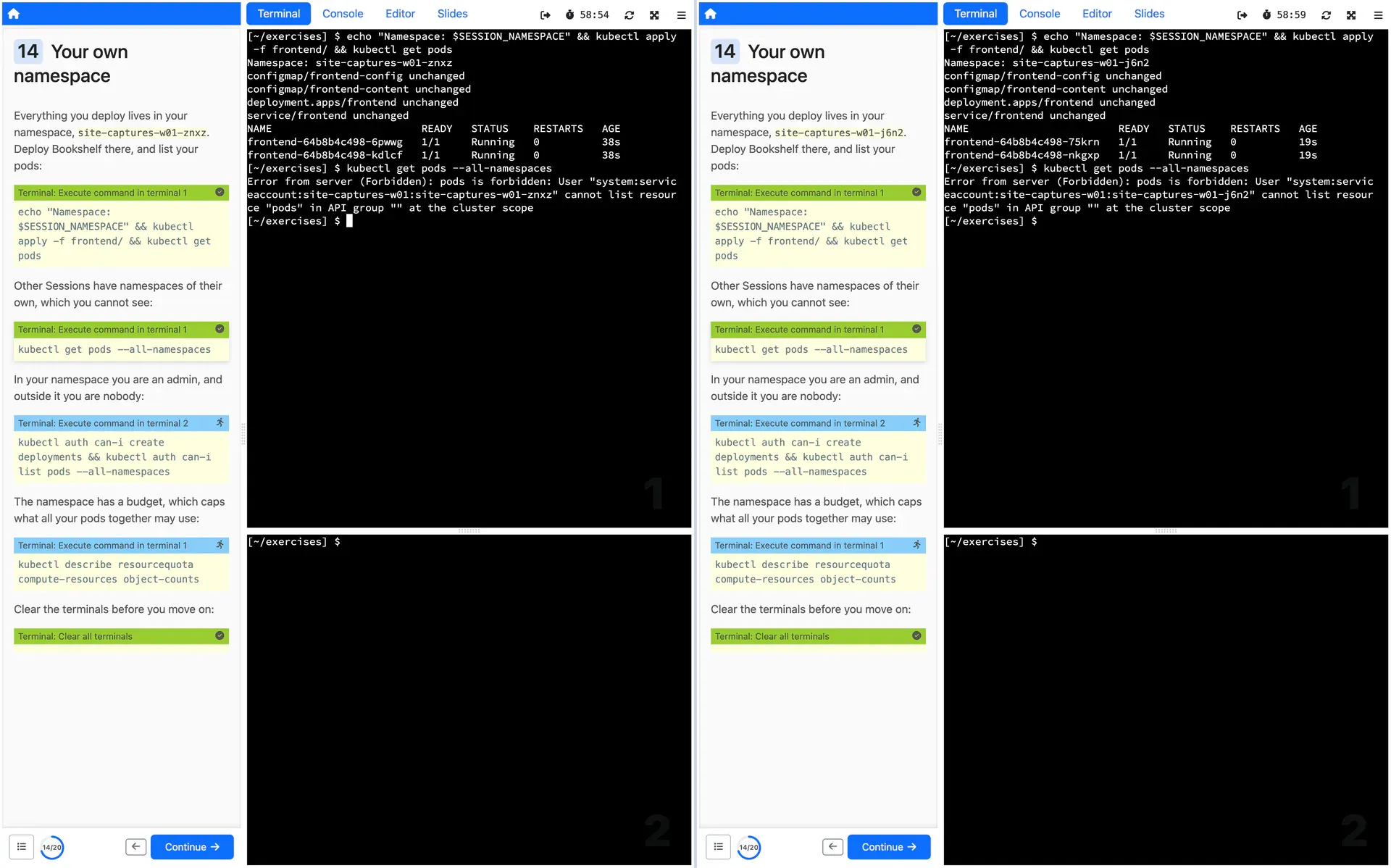
Isolated Sessions
FlagshipEach Session gets its own Kubernetes namespace with quotas and RBAC, its own virtual cluster, or a virtual machine.
See it in depth: Isolated SessionsDocs for Isolated Sessions (external site)
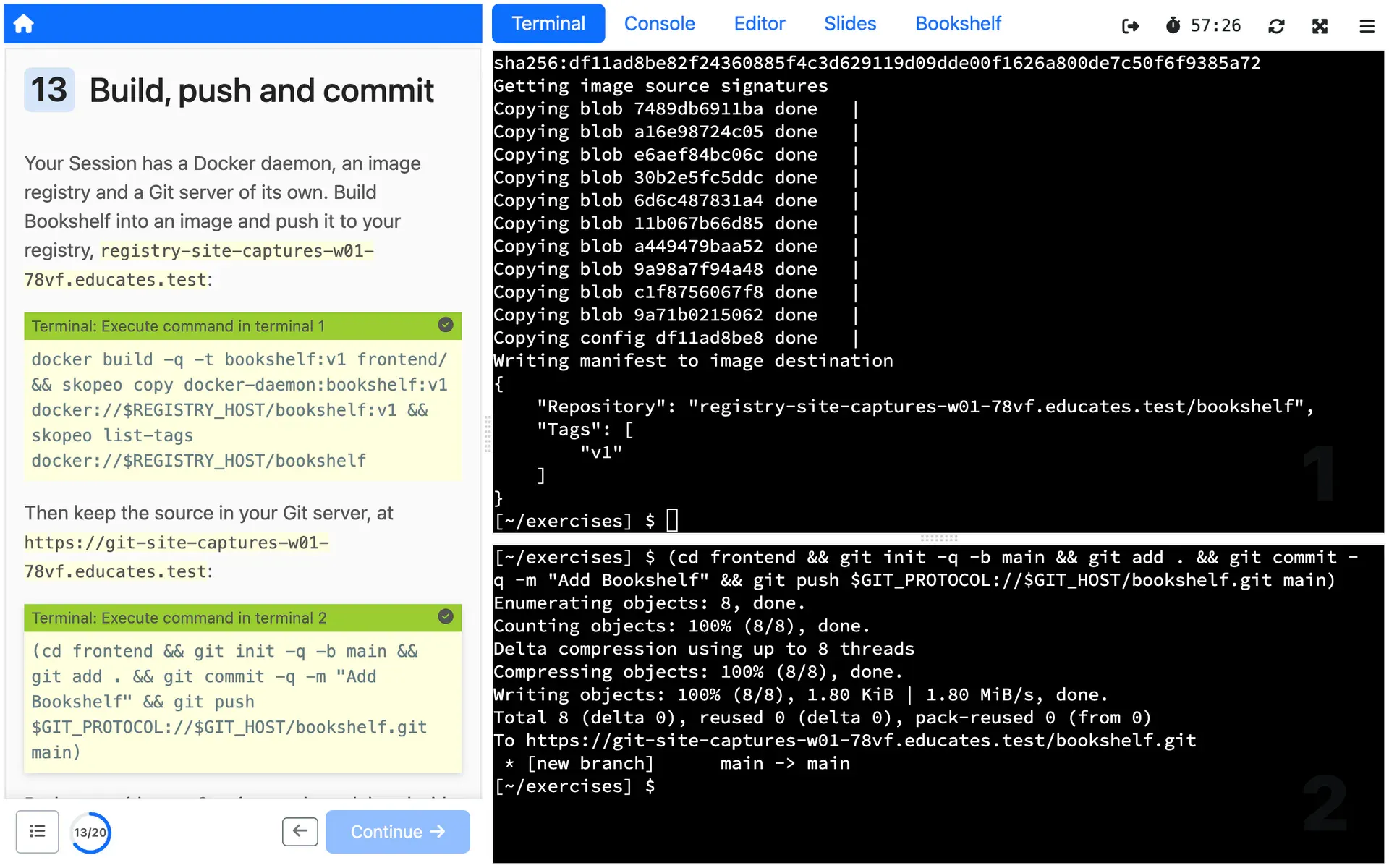
Built-in services
Turn on a Docker daemon, a Git server or, where Educates serves Sessions over HTTPS, an image registry of its own for each Session, or injected SSH key pairs to access remote machines, in the workshop definition.
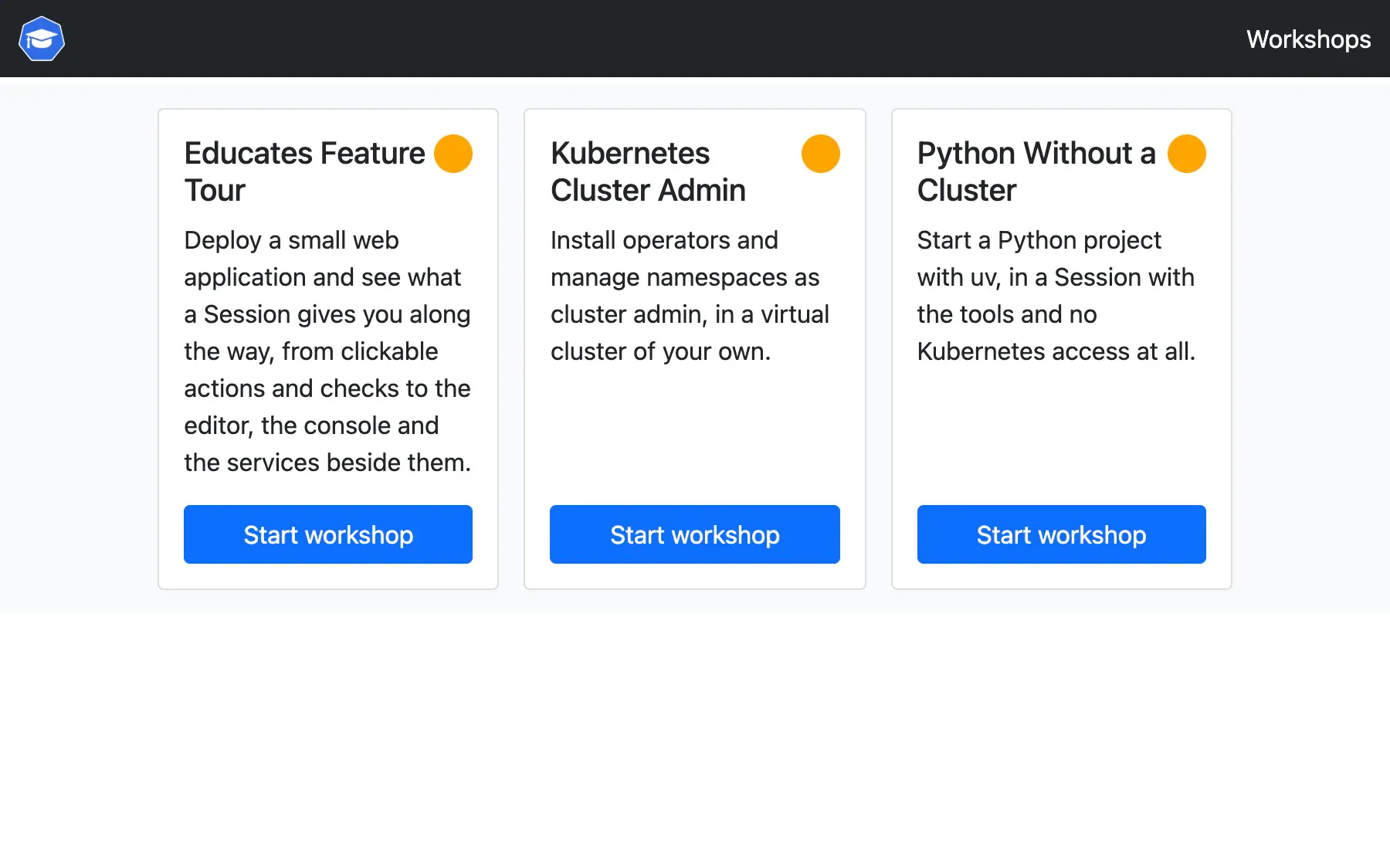
Training portal
A web portal that lists your workshops, lets people register or start anonymously behind an optional event access code, and caps how many Sessions run at once.
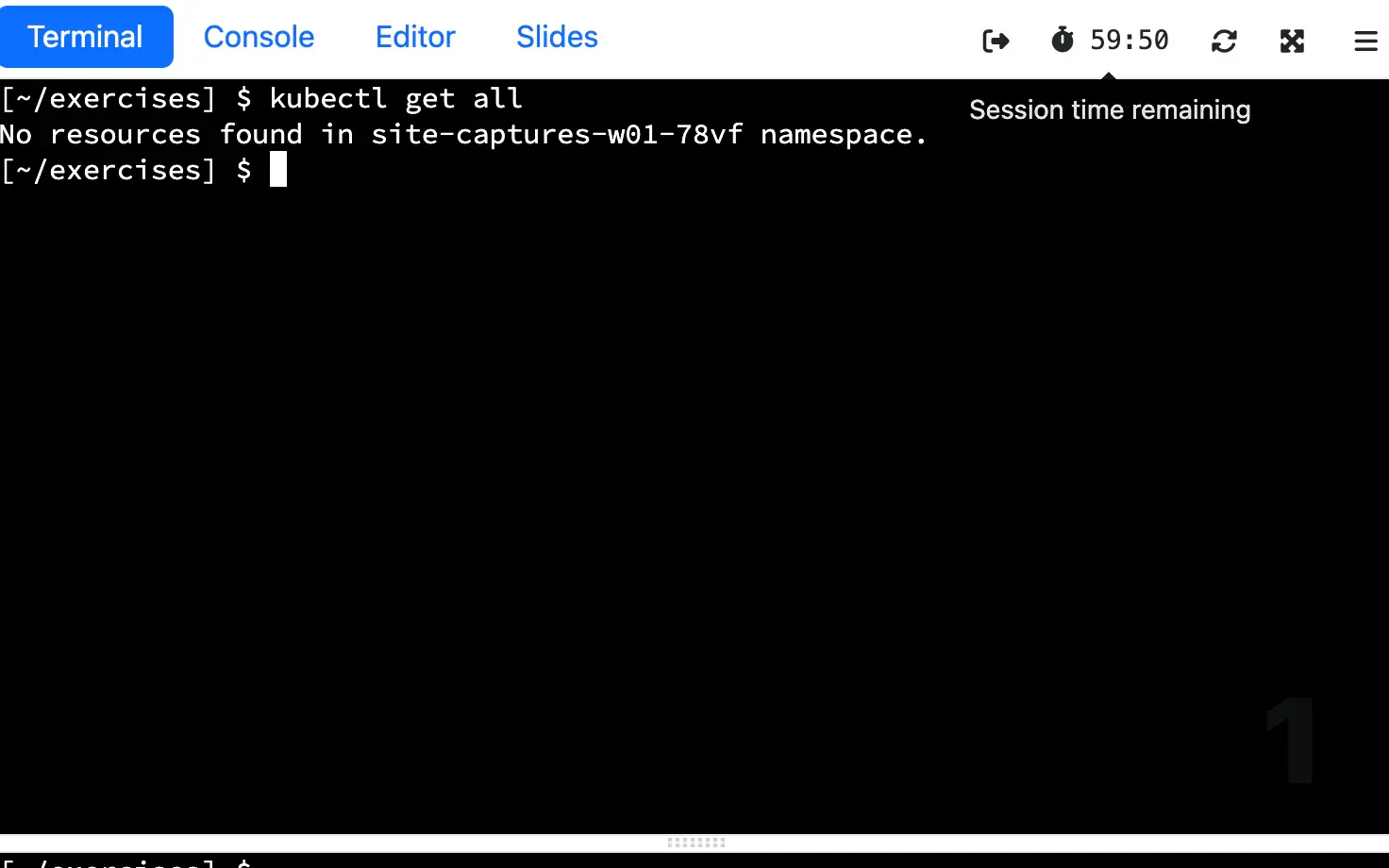
Ready Sessions
Sessions are created ahead of time so each person starts at once, and expire on a countdown shown in the dashboard, which they can extend with a click up to a deadline you set.
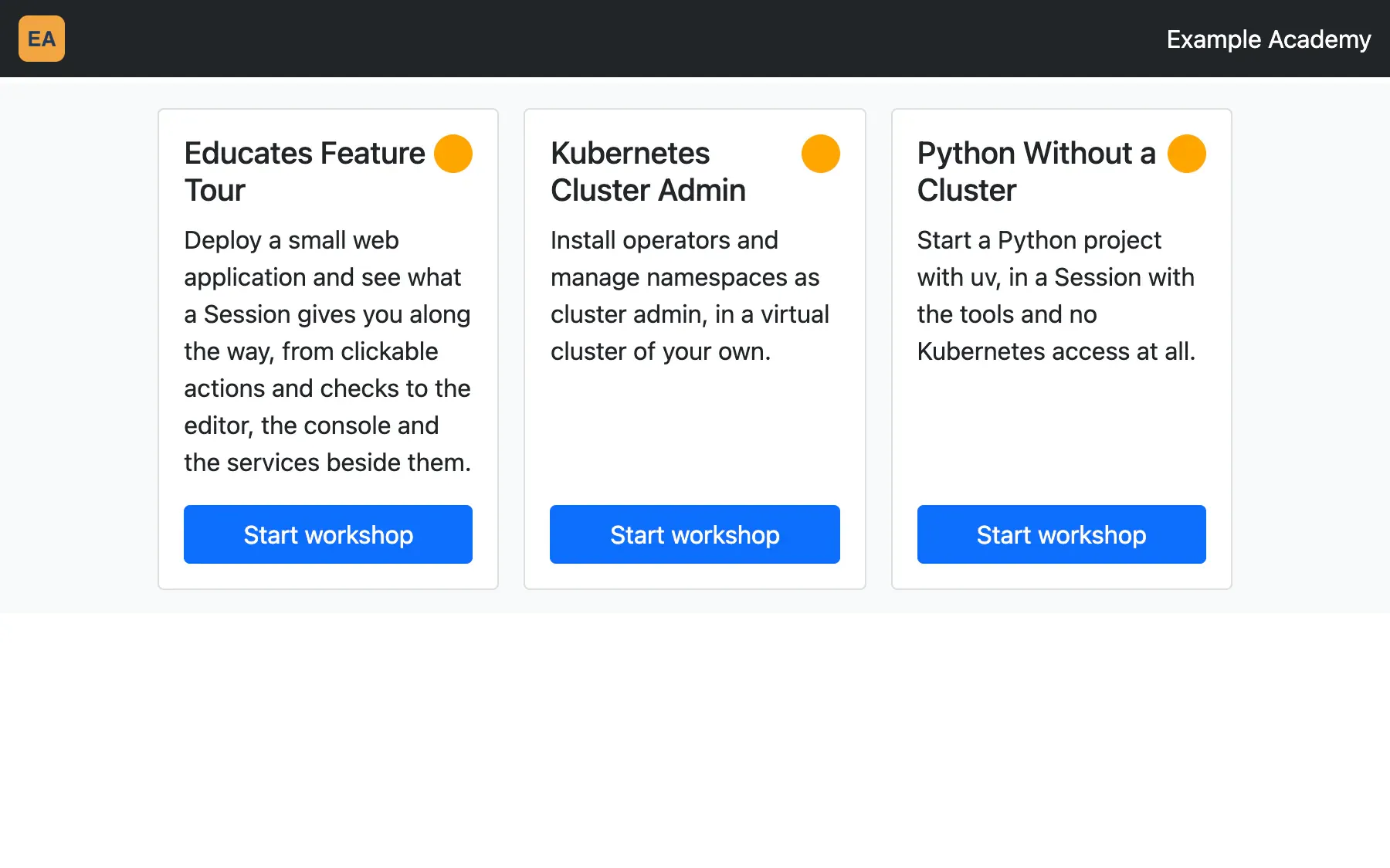
Portal branding
Give each training portal its own title, logo and hostname, and pick the theme that styles it and its Sessions.
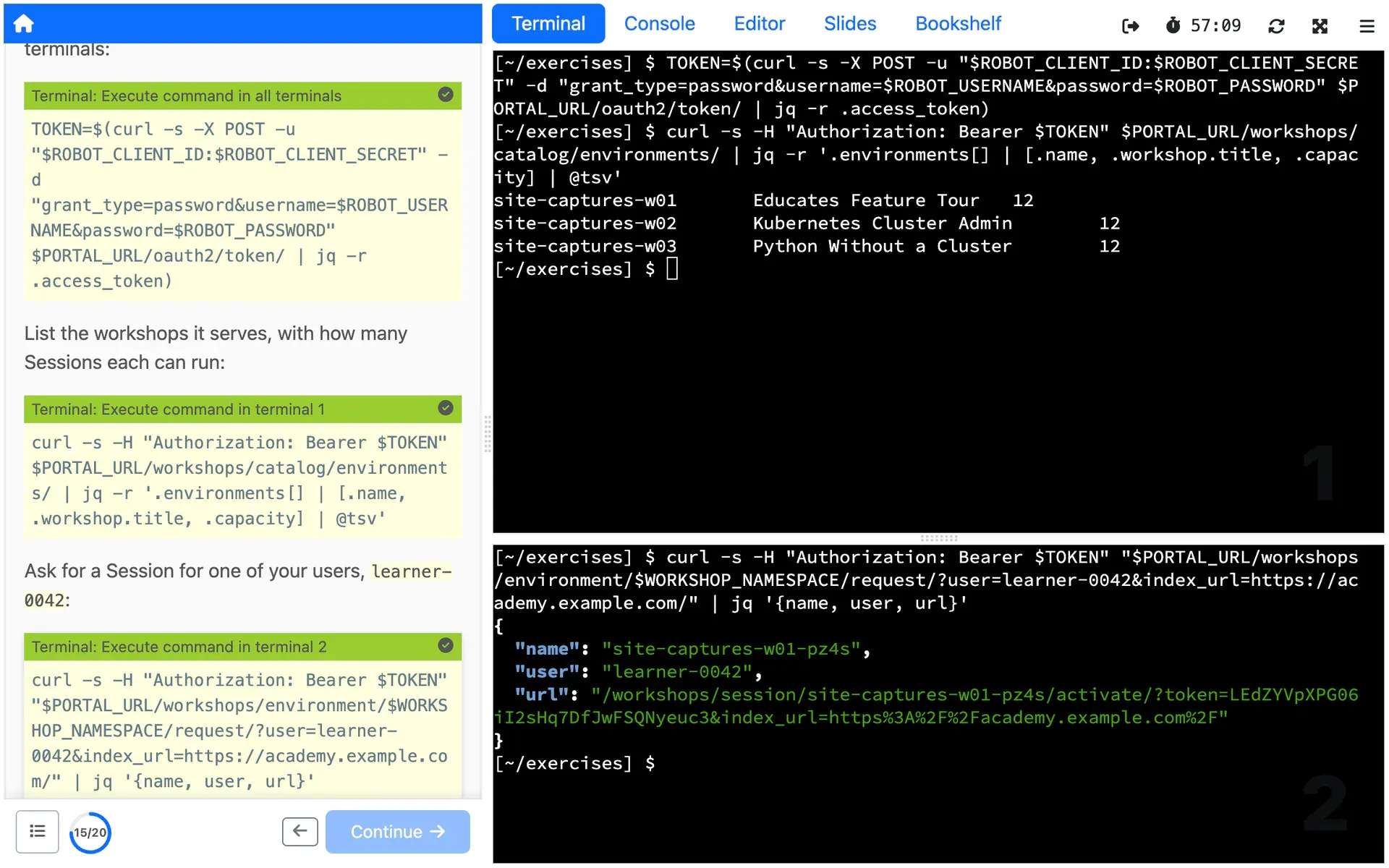
Portal REST API
Build your own front end on a REST API that lists a portal's workshops and starts, extends and ends Sessions, behind whatever sign-in you choose.
See it on the Lookup service page: Portal REST APIDocs for Portal REST API (external site)
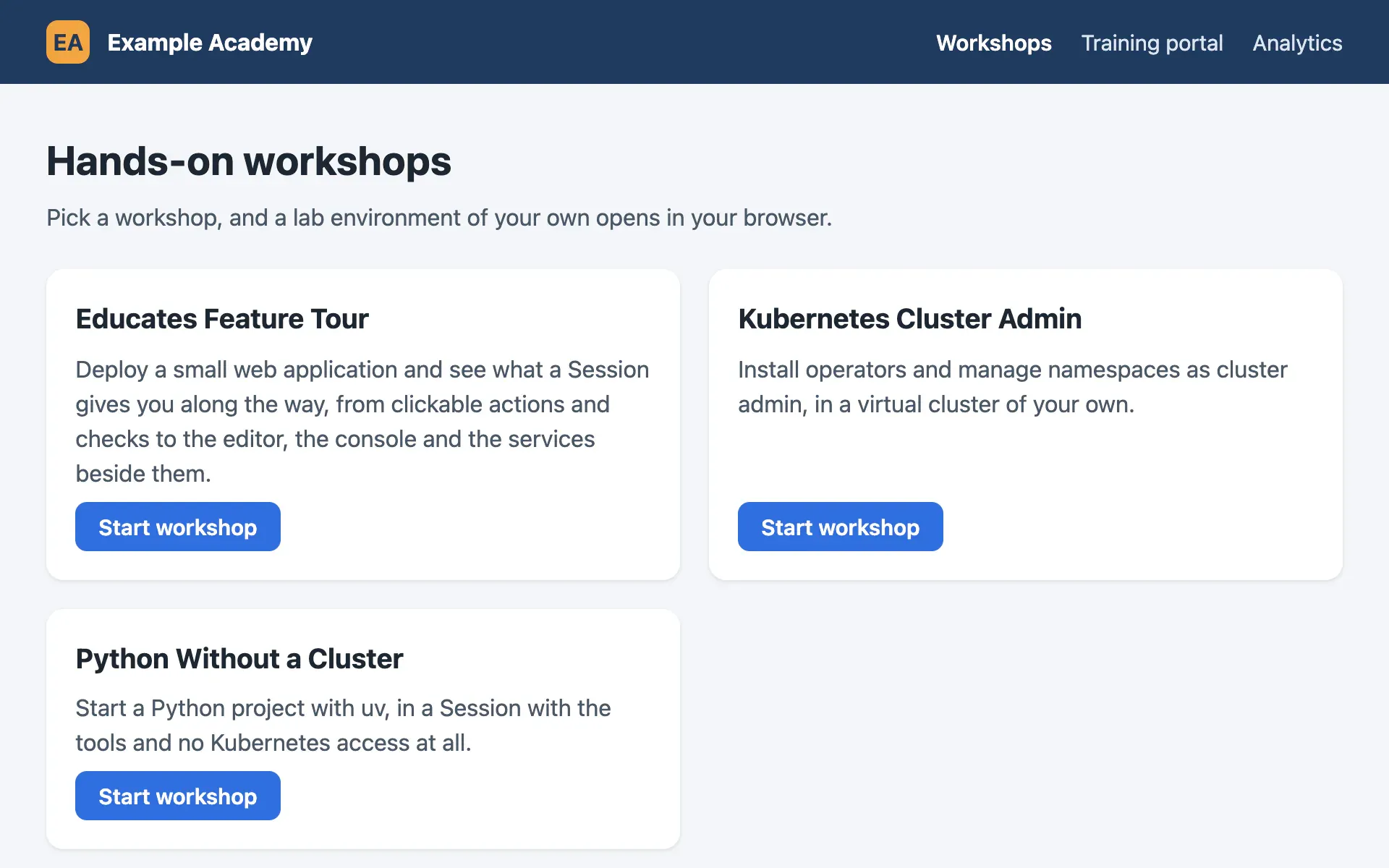
Lookup service
FlagshipOne REST API in front of many training portals and clusters, sending each request for a Session to where there is room.
See it in depth: Lookup serviceDocs for Lookup service (external site)
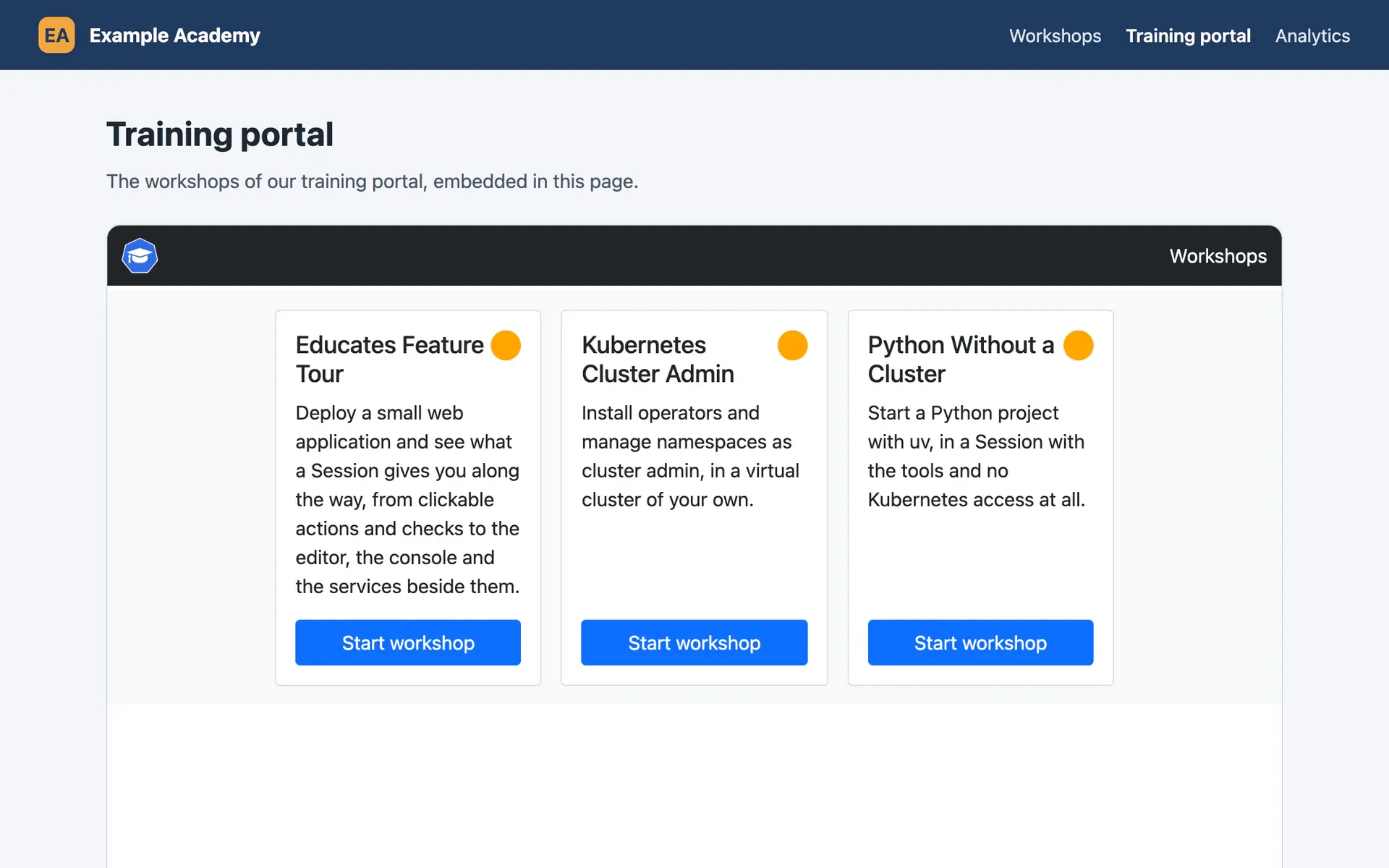
Embedding
Show a training portal, or a single Session requested through the REST API, in an iframe on your own HTTPS site.
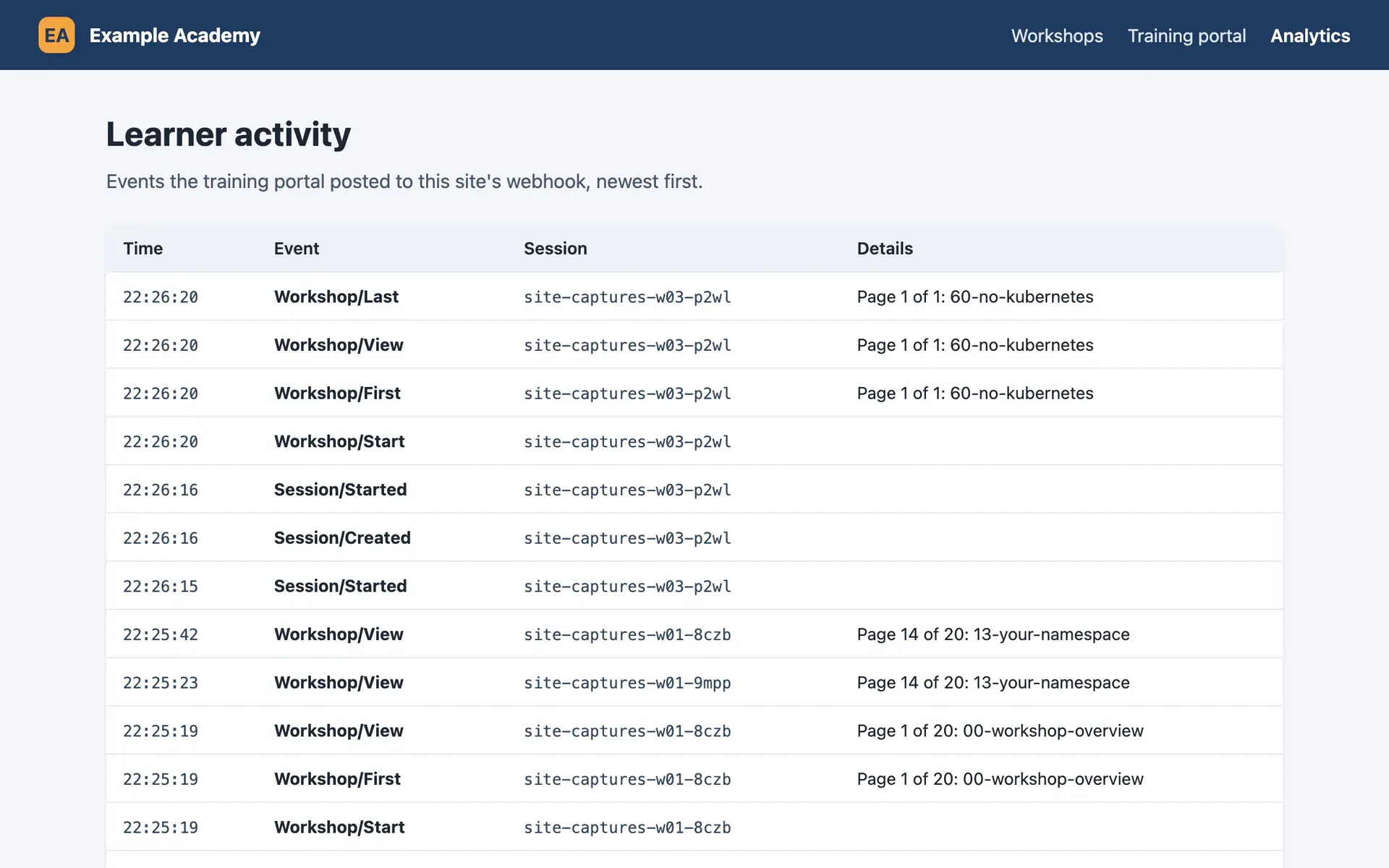
Workshop analytics
A portal can post events to a webhook of yours as Sessions start, pages are viewed and chosen actions are clicked, and record usage in Google Analytics, Microsoft Clarity or Amplitude.
Operating
For the platform team, who install Educates on their clusters and keep it running.
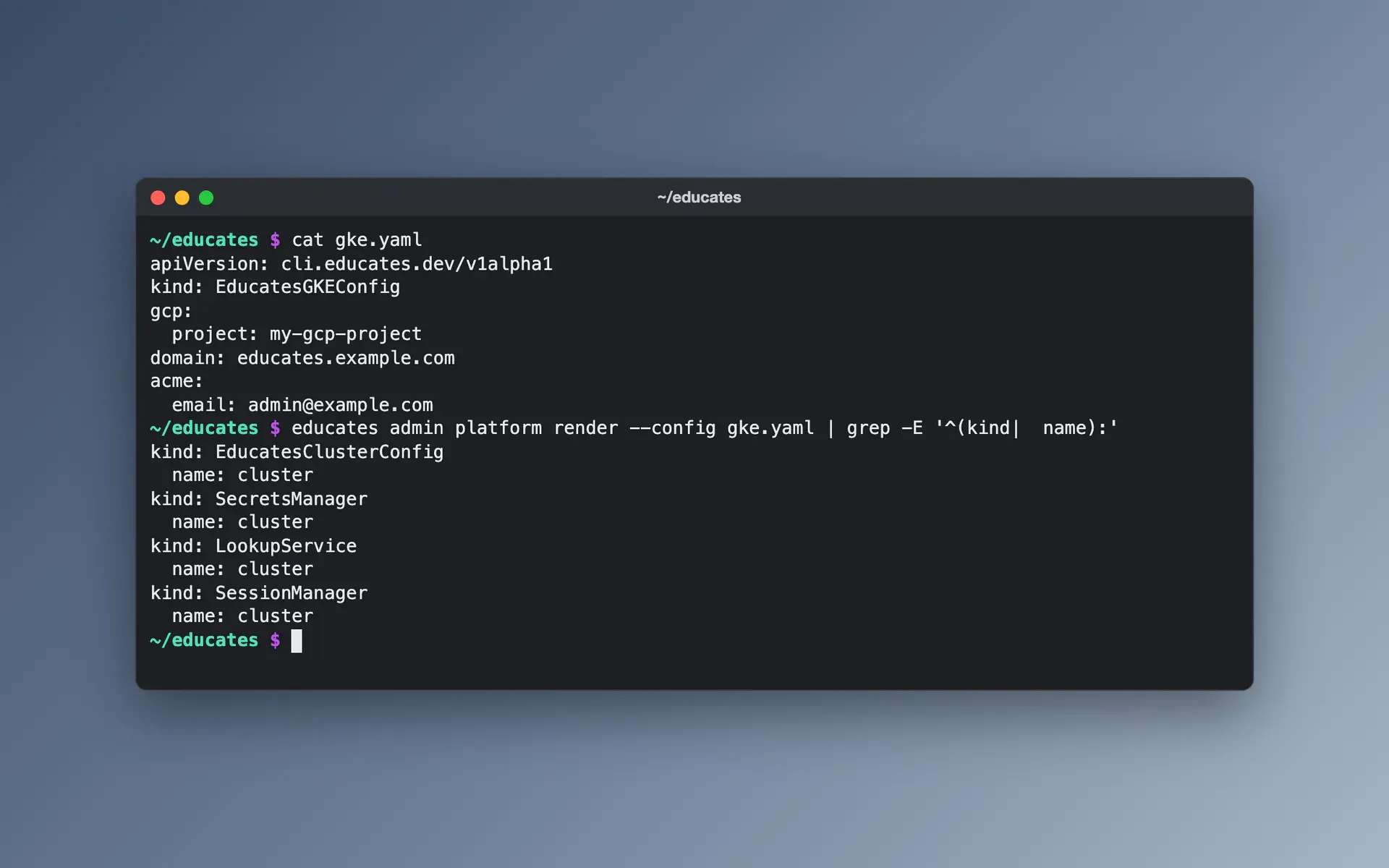
Installing with the CLI
The educates CLI installs Educates, with the services and operators it needs, from one configuration file, and removes it all again with one command.
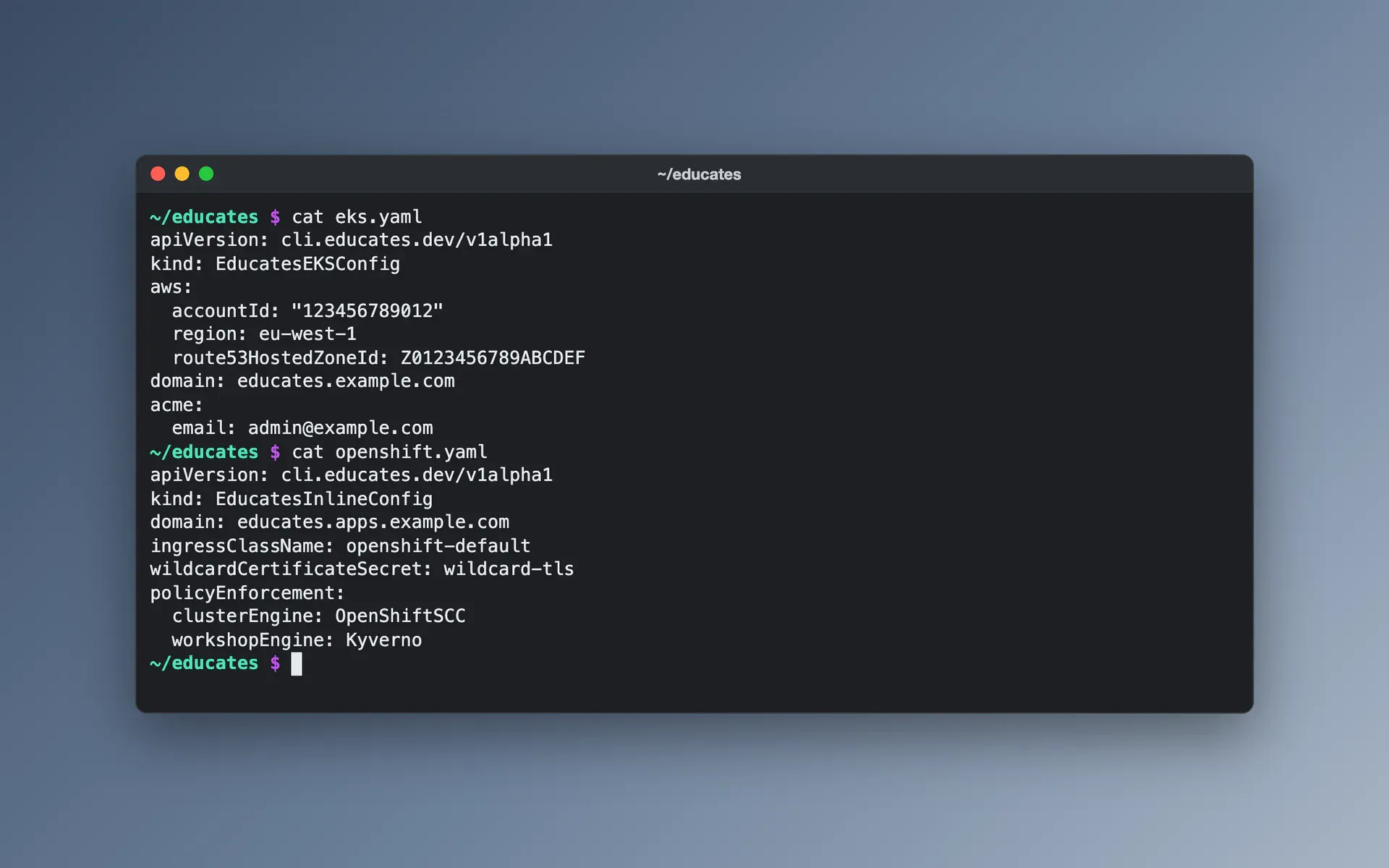
Runs on your cluster
Run Educates on Amazon EKS, Google GKE, OpenShift or Kind with ready-made settings, or on any cluster with an ingress controller, on a wildcard domain with HTTPS set up the way your network needs.
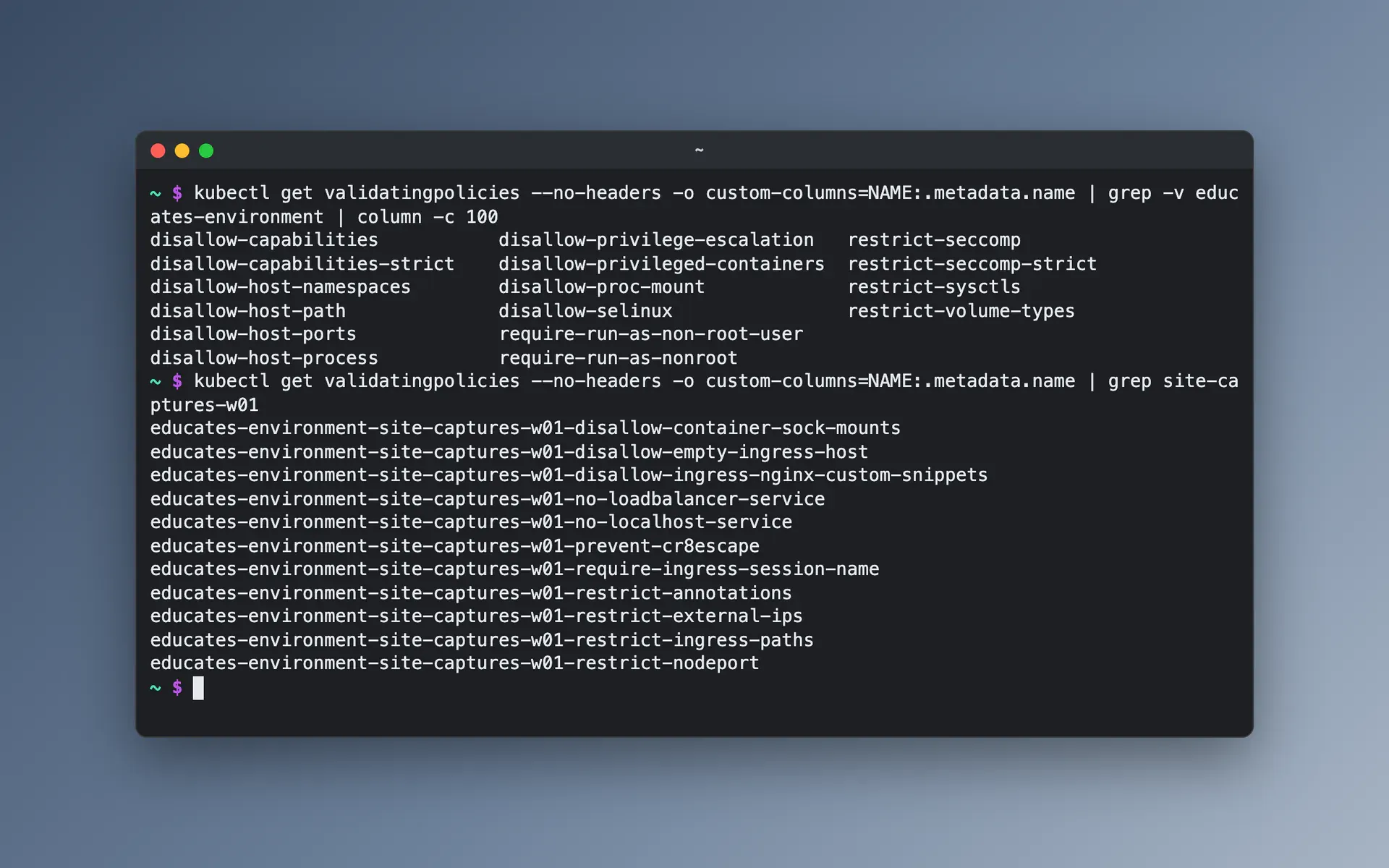
Kyverno security policies
Educates brings its own Kyverno policies, which stop workshop users from running privileged containers or interfering with other Sessions and the rest of the cluster.
Terraform modules
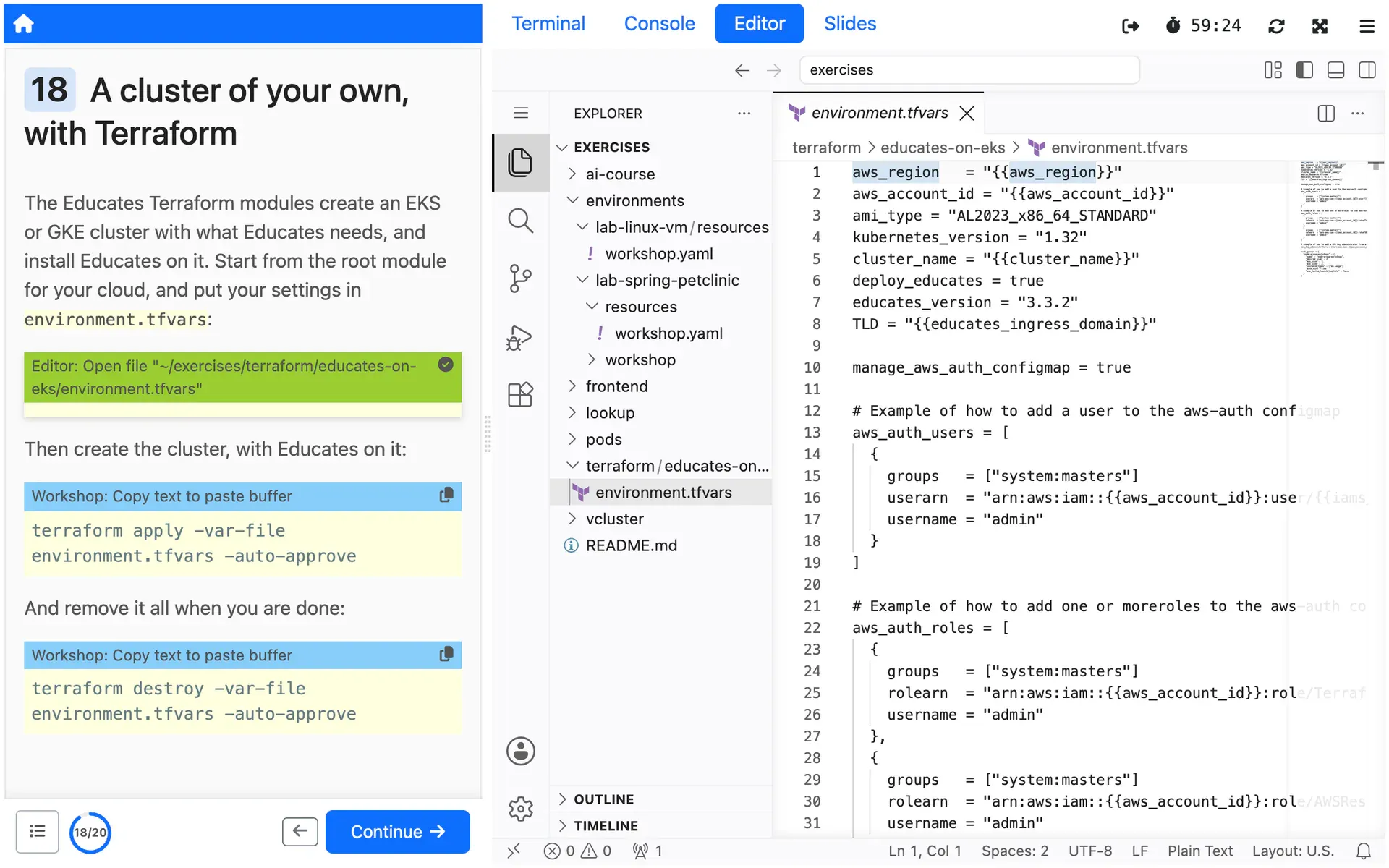
Terraform modules that create an EKS or GKE cluster with its prerequisites and install Educates on it, with root modules to start from as reference implementations.
Day-2 operations
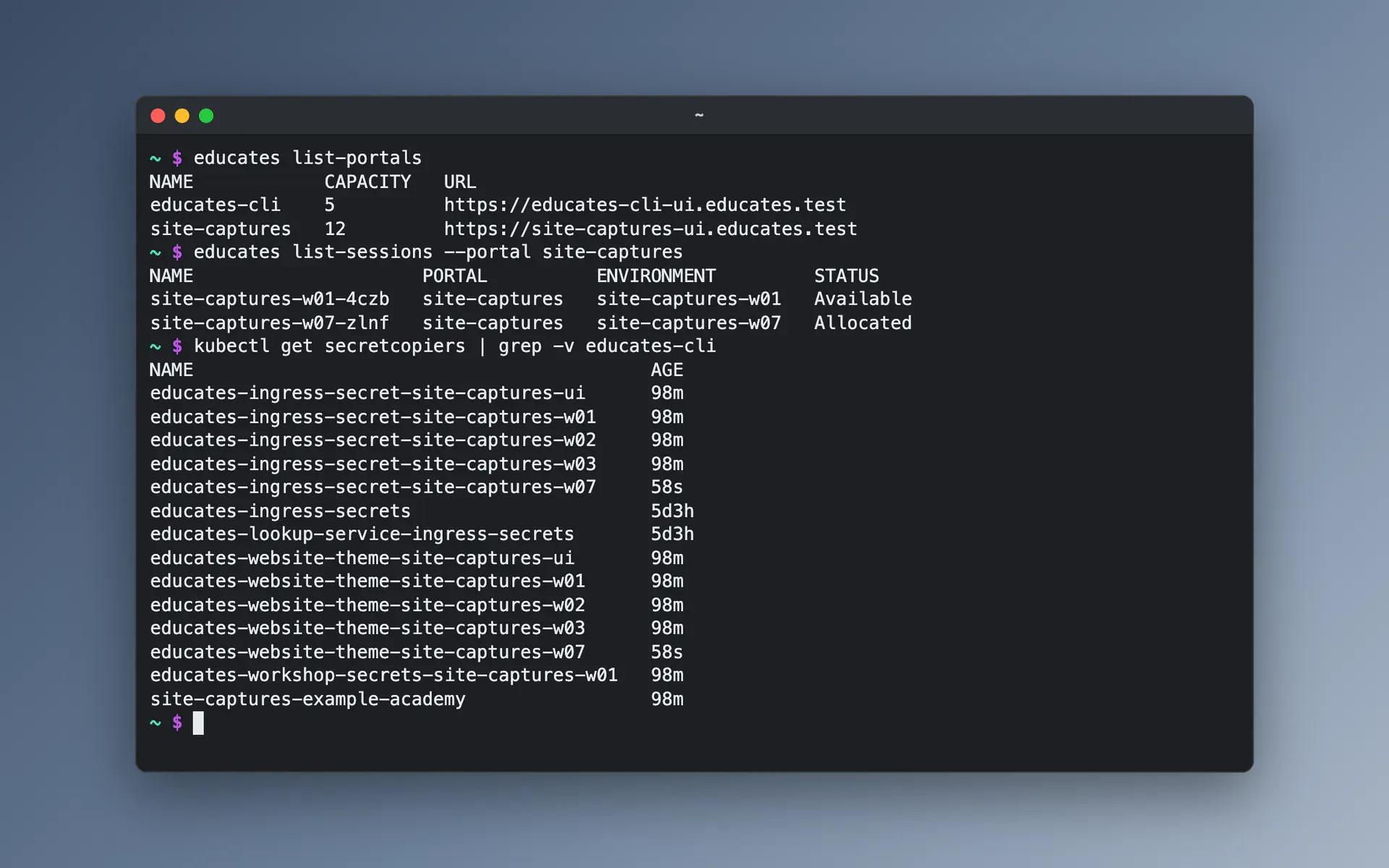
Change a running install by re-running the deploy with an updated configuration, find and open training portals from the CLI, and copy secrets between namespaces with the secrets manager.