 Educates
AI authoring skillsAuthoring
Plan a course and draft its workshops with an AI agent
Two agent skills give an AI coding agent what it needs to know about Educates. The workshop authoring skill creates a workshop when you ask for one, with its directory, its workshop.yaml and its instruction pages. The course design skill plans a course first, from a single workshop to one in several parts, and writes a blueprint for each workshop that the authoring skill then builds. Both are developed and tested with Claude.
What you can do with it
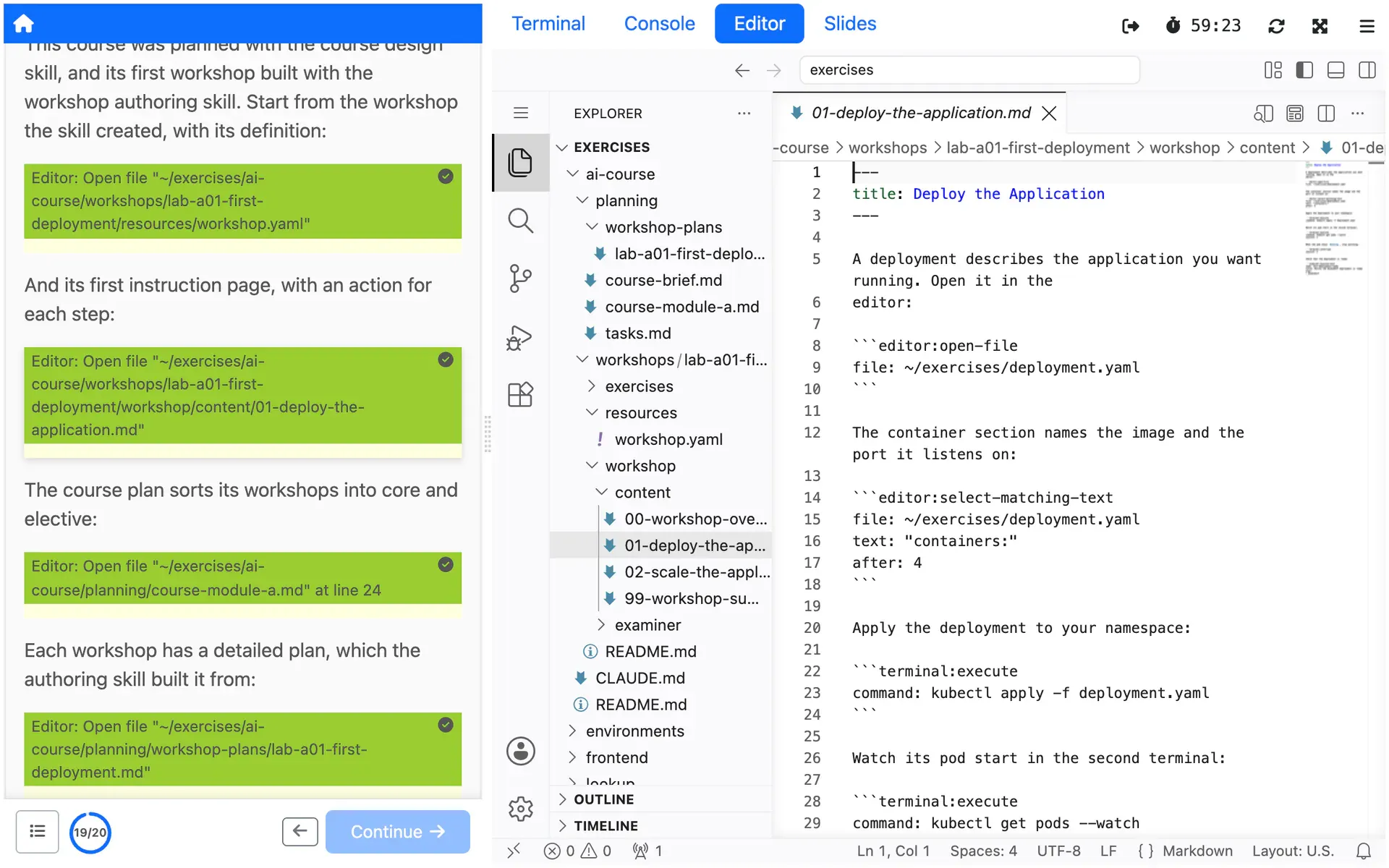
Create a workshop by asking for one
Ask Claude for an Educates workshop on a topic, or invoke /educates-workshop-authoring, and the skill creates the project, with the directory layout Educates expects, a workshop.yaml with the session applications the workshop needs, and instruction pages that follow Educates conventions.
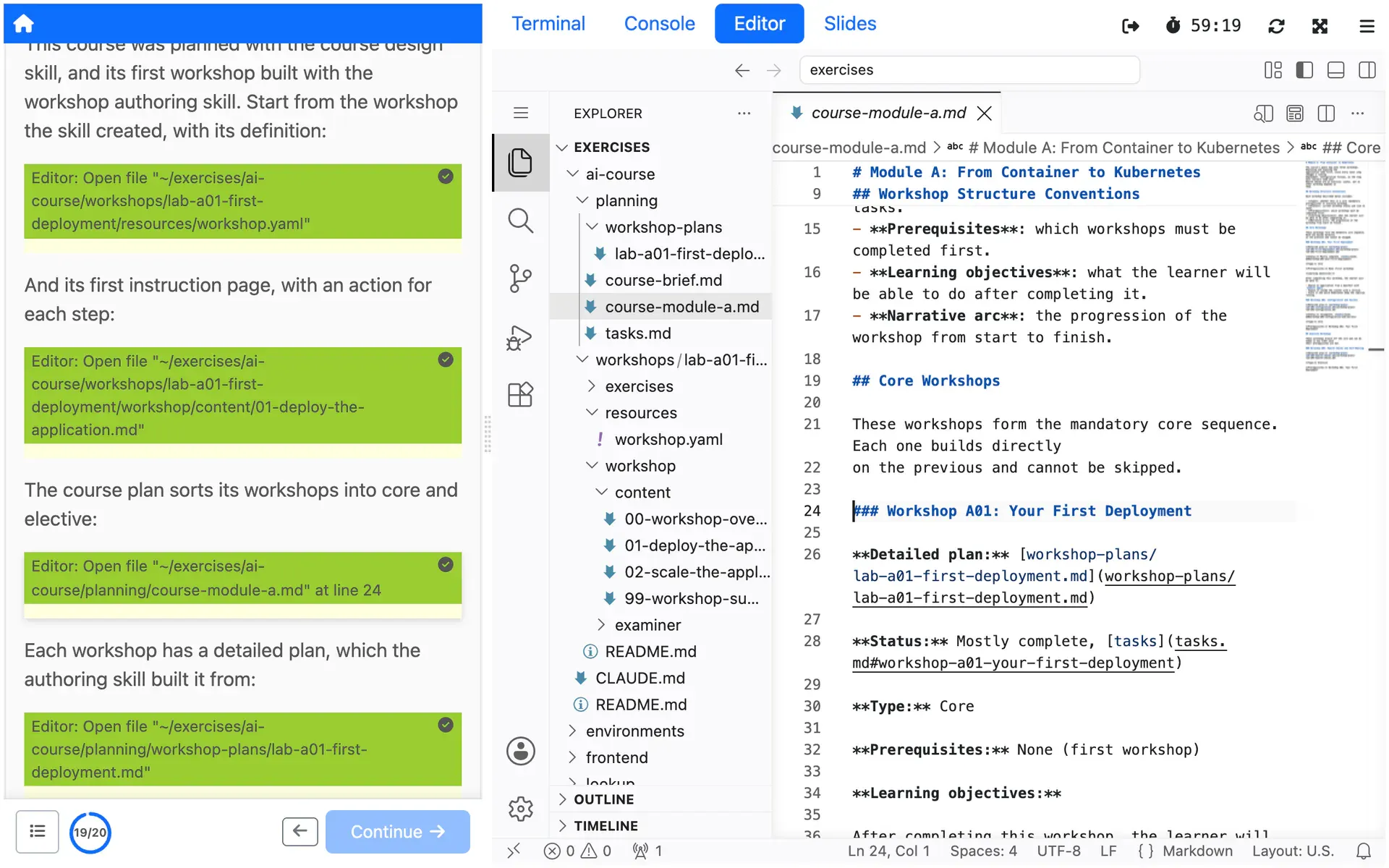
Plan a course before you write it
The course design skill organizes topics into workshops, for anything from a single workshop idea to a course in several parts, and marks each workshop as spine or elective. For a small course it keeps its steps short.
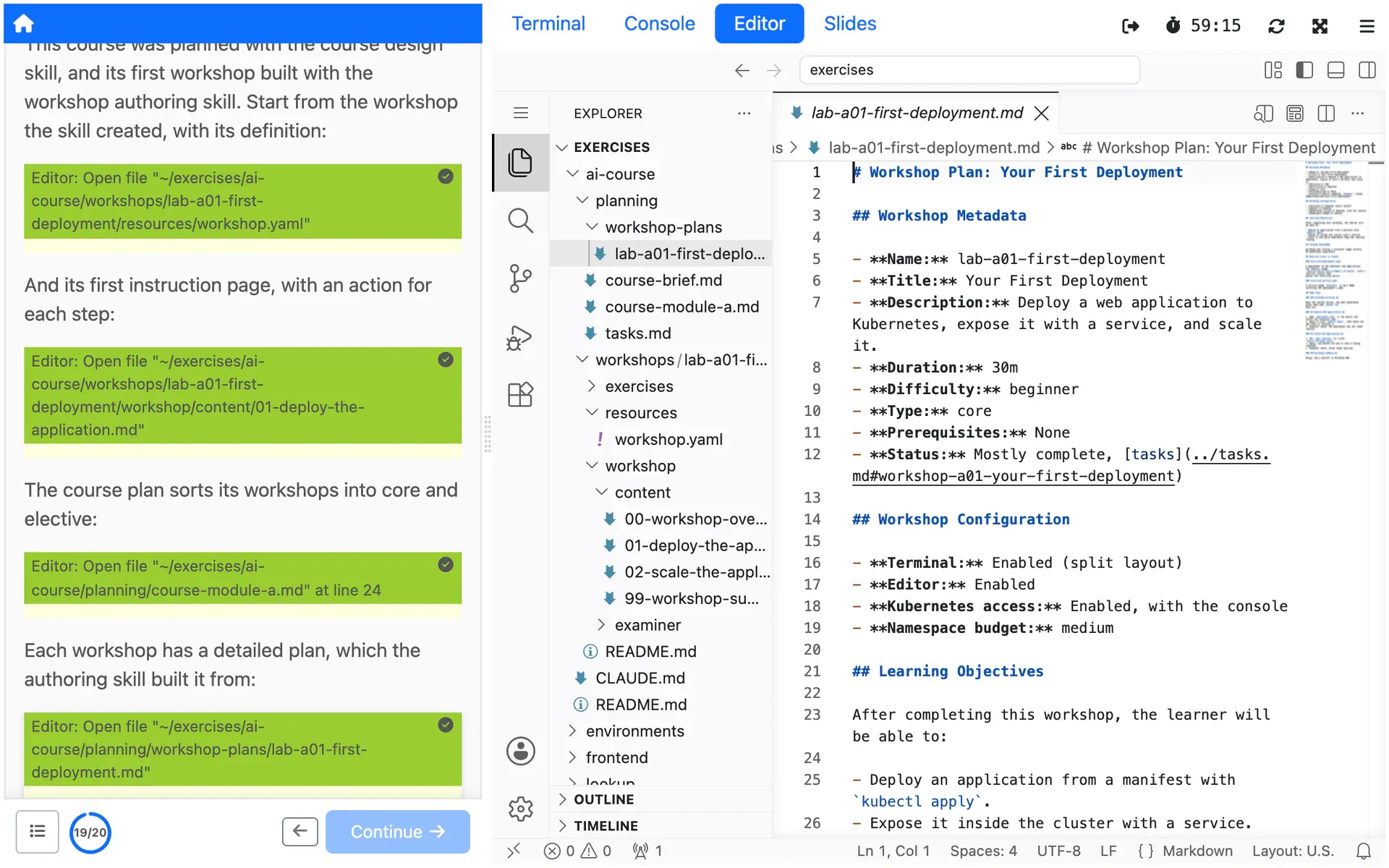
A blueprint for each workshop
For each workshop, the course design skill writes a detailed plan. The workshop authoring skill then builds the workshop from it, with its configuration, instruction pages and exercise files.
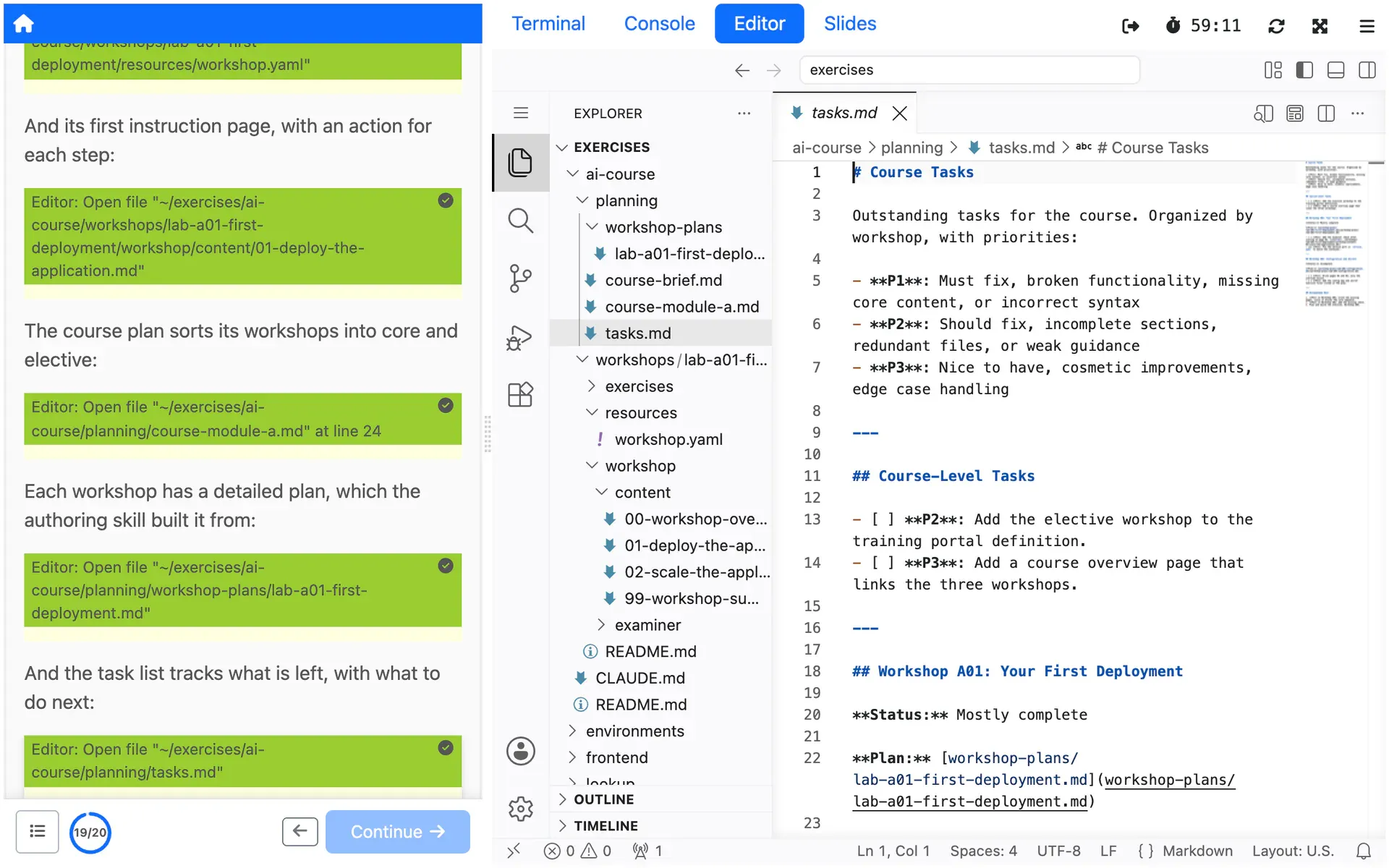
Pick up a course you already have
Point the course design skill at an existing course, and it audits the workshops and bootstraps the planning documents. It tracks the work left across workshops, suggests what to do next by priority, and guides how the course grows.
How you use it
Add each skill to your agent from its repository:
npx skills add https://github.com/educates/educates-workshop-authoring-skillnpx skills add https://github.com/educates/educates-course-design-skillTo pin a version instead, download the .skill file from a tagged release and
install it with the Claude Code CLI, here version 4.1 of the workshop authoring
skill:
curl -fLO https://github.com/educates/educates-workshop-authoring-skill/releases/download/4.1/educates-workshop-authoring.skillclaude skill install educates-workshop-authoring.skillThen ask Claude for an Educates workshop or course, and it picks the skill from what you ask, or invoke a skill by name:
/educates-course-design/educates-workshop-authoringPlan the course with the first, then build each workshop from its blueprint with the second. What they write is a workshop's files: run it on a local Educates, as local authoring shows, before anyone else takes it.
Limits
What it does not do, and what it needs from you, so you can judge it before you build on it.
You review what it writes
Generated workshops can need work. The README asks for issues about exactly that, wrong or weak configuration, Educates features the skill does not know, and instructions that miss Educates conventions. Run every workshop before anyone else takes it.
What the README says: You review what it writes (external site)
Aligned with Educates 3.7.0
The workshop authoring skill is aligned with Educates 3.7.0, and the workshops it creates may not work on an older release.
What the README says: Aligned with Educates 3.7.0 (external site)
Built for Claude
Both skills are developed and tested with Claude. Other agents that support the skills format may run them, but the READMEs warn that results vary with how much the agent already knows about Educates.
Versioned apart from Educates
The skills live in their own repositories, outside the Educates releases. The workshop authoring skill publishes tagged releases: install its .skill file from one when you want the same skill every time.
What the README says: Versioned apart from Educates (external site)
Where to try it
Try it from its repositories
Each repository's README says how to install it and how to use it.
- educates/educates-workshop-authoring-skill (external site)
Creates and configures a workshop, with its directory, workshop.yaml and instruction pages.
- educates/educates-course-design-skill (external site)
Plans a course and its workshops, with a blueprint for each one.
Read more
- Blog postTeaching an AI about Educates
- Blog postWhen AI content isn't slop
- Blog postDeploying Educates yourself
- Blog postReviewing workshops with AI
Try it yourself, or talk to us
Get started runs Educates on your laptop with a first workshop in a few commands. Get help is where you ask the community, and where you can hire the people who build Educates.