 Educates
Local authoringAuthoring
Write workshops on your own machine, and see the instructions change in a running Session
The educates CLI runs all of Educates on your laptop. One command creates a Kind cluster with Educates in it and an image registry beside it, and another creates a workshop from a template. Publish it to that registry, deploy it, open it in the training portal, and see changes to its instructions as you save them, without publishing anything to a third party site.
What you can do with it
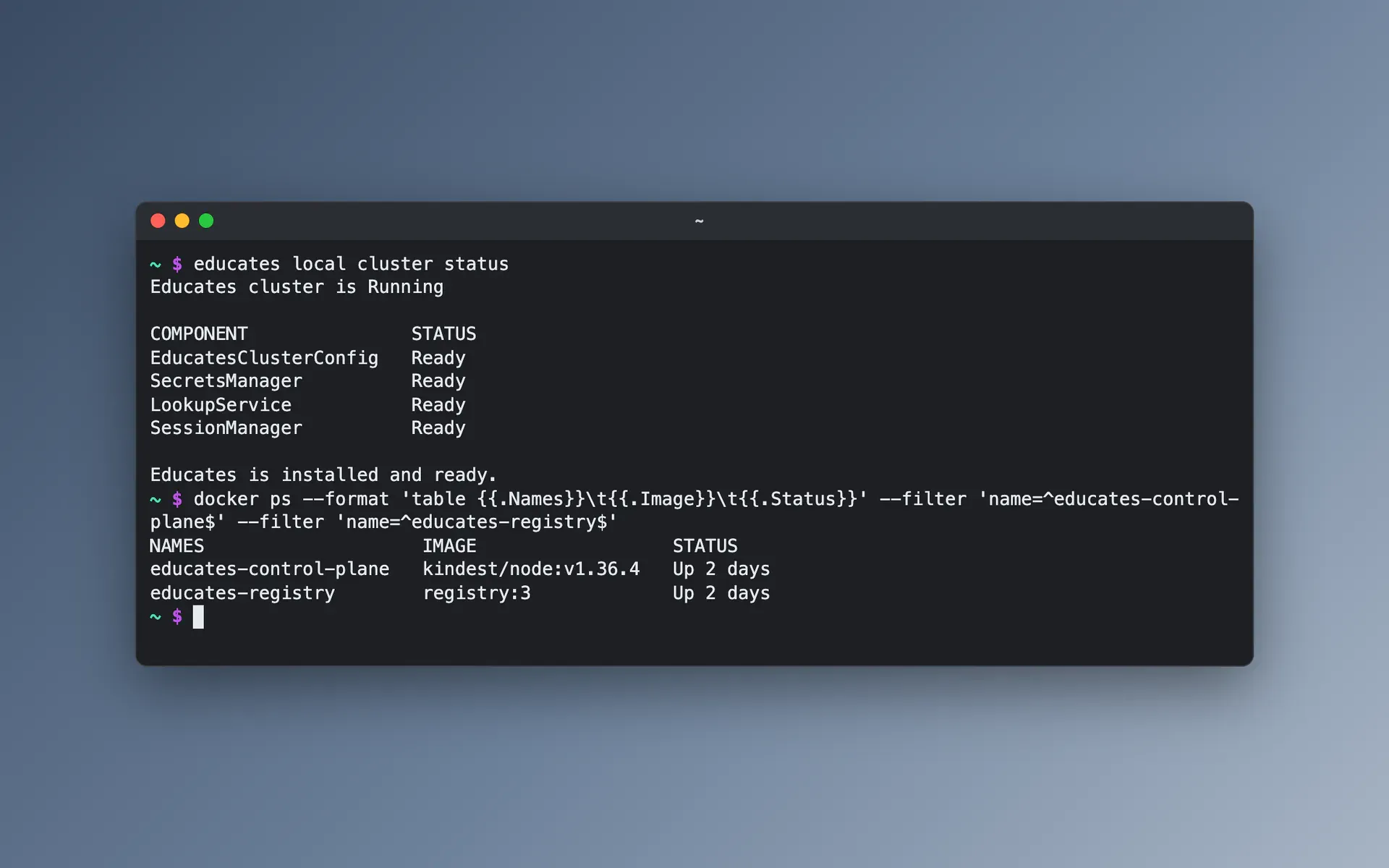
Educates on your laptop in one command
One command, educates create-cluster, creates a Kind cluster, installs Educates in it, and runs an image registry beside it for workshop content and workshop images of your own. Another, educates delete-cluster, removes the cluster when you are done.
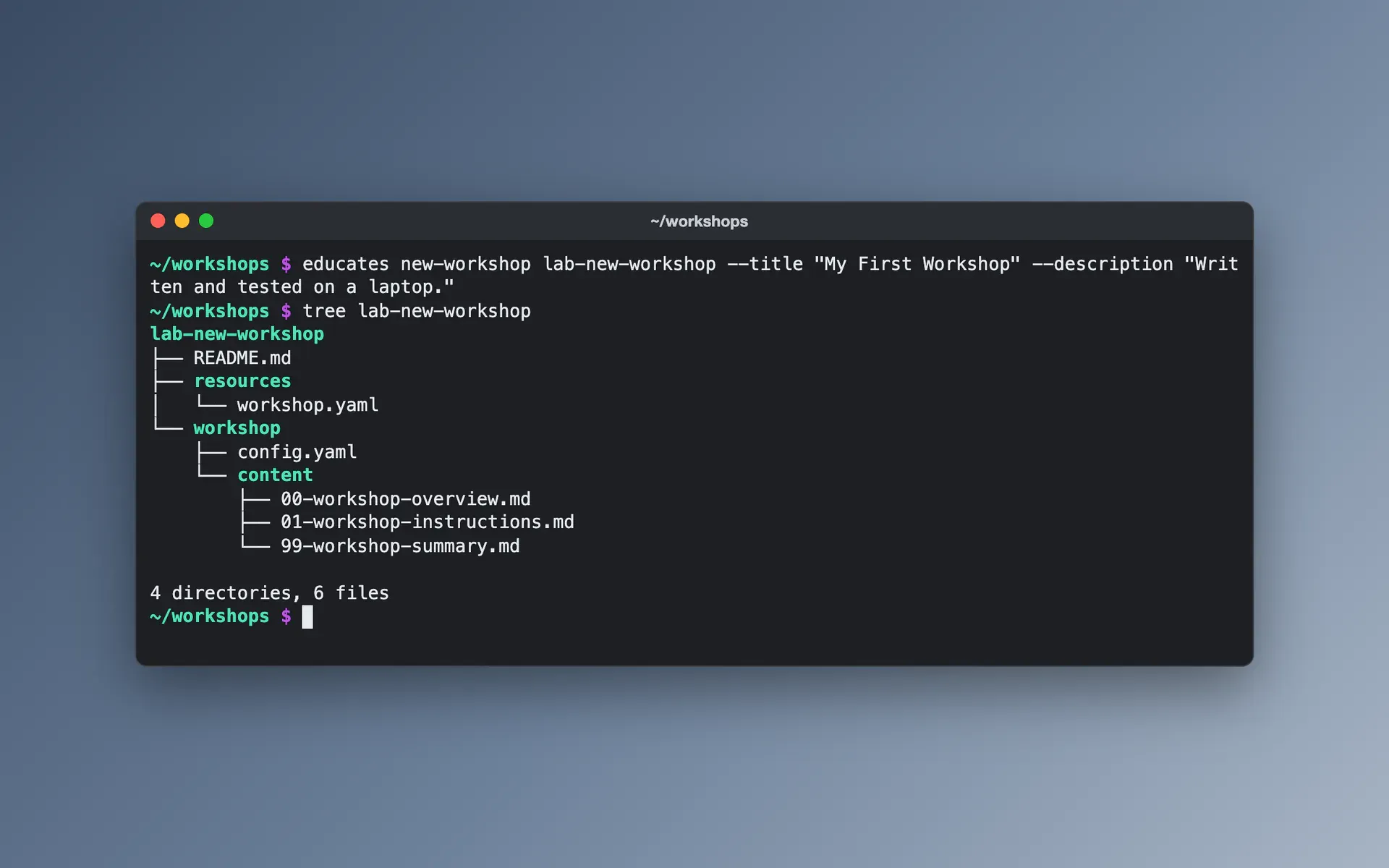
A new workshop from a template
The command educates new-workshop creates a workshop's directory, with instructions in Markdown, the workshop definition in resources/workshop.yaml, and settings to publish it to the local registry. Options set its title, its description and the workshop image it starts from.
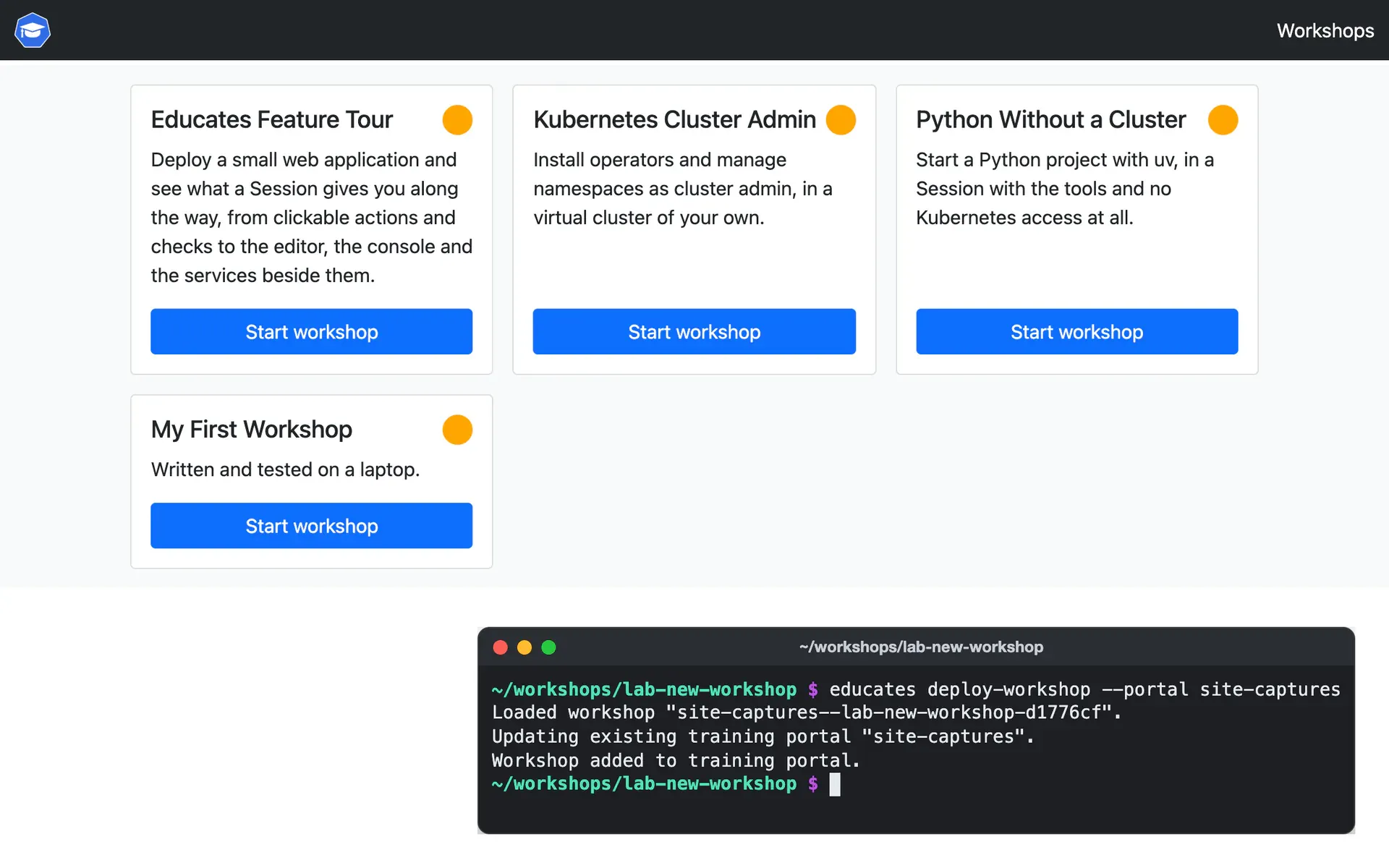
Publish, deploy and open it
The command educates publish-workshop packs the content as an OCI image and pushes it to the local registry, educates deploy-workshop creates the workshop in the cluster, and educates browse-workshops opens the training portal to start a Session.
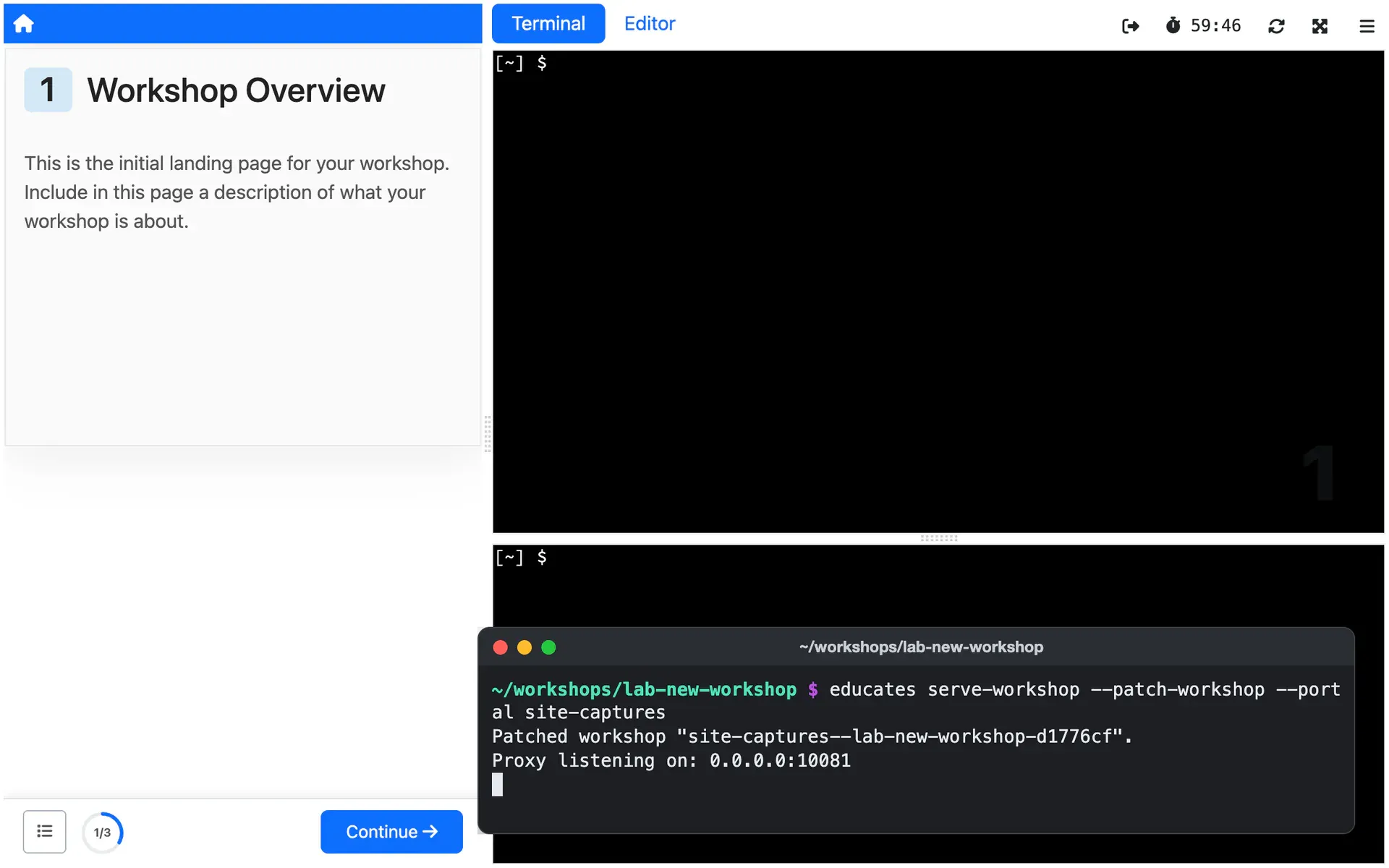
See the instructions change as you save
The command educates serve-workshop serves the instructions from your machine to the Sessions in the cluster, and regenerates and refreshes the page each time you save. For other files, update-workshop in the Session's terminal pulls the latest published content and reruns the setup scripts, without a new Session.
One workshop in Docker, no Kubernetes
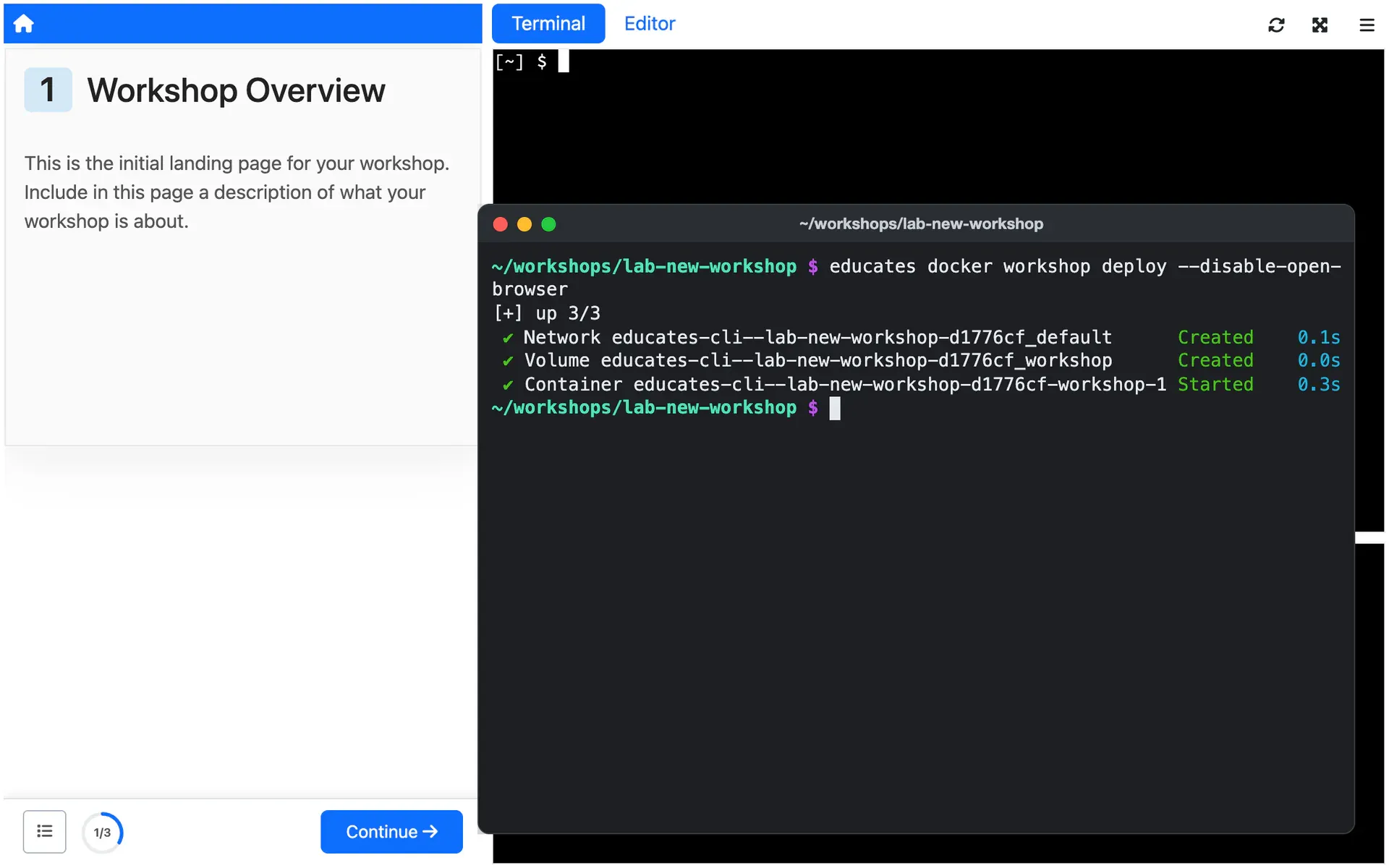
To try a workshop, or to show a product on a laptop, run a single workshop in one container on Docker, with no Kubernetes cluster at all.
How you use it
Create the local cluster once:
educates create-clusterThen create a workshop, and from its directory, publish it to the local registry, deploy it and open the training portal:
educates new-workshop lab-new-workshopcd lab-new-workshopeducates publish-workshopeducates deploy-workshopeducates browse-workshopsThe docs recommend workshop names that start with lab- and run to 25
characters or fewer, because Educates adds prefixes and suffixes to them.
The workshop definition the template writes pulls its content from the local
registry. Educates fills in $(image_repository) and $(workshop_version)
when you publish and deploy, so the same definition works for a remote
registry later:
spec: workshop: files: - image: url: $(image_repository)/lab-new-workshop-files:$(workshop_version) includePaths: - /workshop/** - /exercises/** - /README.mdTo see changes to the instructions as you save them, serve them from your machine:
educates serve-workshop --patch-workshopStart a new Session from the portal, and each page you save shows up in it.
Stop the command with Ctrl-C, and the workshop goes back to its published
content. After a change to resources/workshop.yaml, educates update-workshop updates the workshop in the cluster, and
educates delete-workshop removes it.
To run one workshop in Docker instead, with no cluster,
educates docker workshop deploy starts it in a single container.
Limits
What it does not do, and what it needs from you, so you can judge it before you build on it.
macOS or Linux, Docker, and free ports
The CLI runs on macOS or Linux, and on Windows only through WSL. It needs a working Docker, tested mostly with Docker Desktop, or Colima on macOS, with memory to spare, no other Kind cluster running, and ports 80, 443 and 5001 free, plus 53 for the local DNS resolver on macOS.
What the docs say: macOS or Linux, Docker, and free ports (external site)
No TLS until you bring a domain
By default the cluster answers on a nip.io address with no TLS certificate, and some parts of a Session need one, such as an image registry for each Session. A domain of your own, with DNS pointing at your machine and a wildcard certificate the CLI can install, turns them on. Some home routers also block nip.io addresses.
What the docs say: No TLS until you bring a domain (external site)
Live instructions, not live everything
Only the instructions come from your machine, and serving them needs Hugo installed. Setup scripts and exercise files still need publishing again and a new Session, and the CLI expects the local Kind cluster unless you point Sessions at your machine through a tunnel.
What the docs say: Live instructions, not live everything (external site)
Reserved Sessions hold old content
A portal with reserved Sessions hands you one created before your last change. While you write, the docs advise a portal with reserved Sessions turned off, so each new Session starts from the latest content.
What the docs say: Reserved Sessions hold old content (external site)
An update does not undo the cluster
Updating a running Session's files does not undo what earlier steps did in the cluster. To replay steps that deployed something, undo it by hand or start a new Session.
What the docs say: An update does not undo the cluster (external site)
One container, no cluster
A workshop in Docker runs in a single container, with no Kubernetes namespace, virtual cluster or VM. A workshop that needs any of them runs on the Kind cluster instead.
What the docs say: One container, no cluster (external site)
Where it is used
Use cases that rely on it
- Hands-on events
Every Attendee in a working environment before you start talking, and nothing to clean up after.
Deploy it from the Hub
The Hub is a catalog of workshops you deploy on your own Educates, each with one command. These ones show this Feature at work.
Read more
Try it yourself, or talk to us
Get started runs Educates on your laptop with a first workshop in a few commands. Get help is where you ask the community, and where you can hire the people who build Educates.